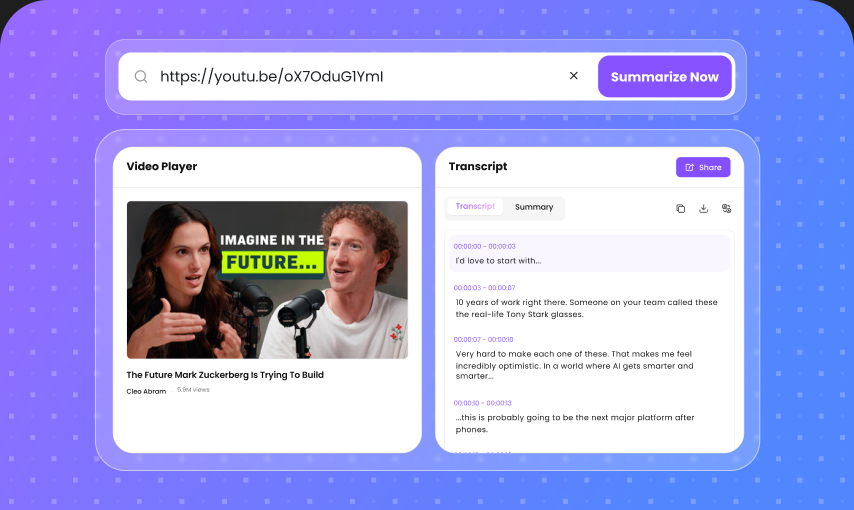
Lightning-Fast Transcription
Convert hours of spoken content into readable text without typing everything yourself. Upload your video and let AI handle the transcription while you focus on the work that matters.
Turn videos into accurate, editable text in seconds. Upload a video or paste a link, and our AI video transcriber automatically converts spoken words into a searchable transcript.
Drop a file, or click to upload
600K+Videos Converted to Text
1M+Hours Saved Monthly
4.95Average User Rating
Convert hours of spoken content into readable text without typing everything yourself. Upload your video and let AI handle the transcription while you focus on the work that matters.
Get a clean transcript that captures the spoken content of your video with natural sentence structure. Clear audio produces better results, while you can review and edit the transcript whenever needed.
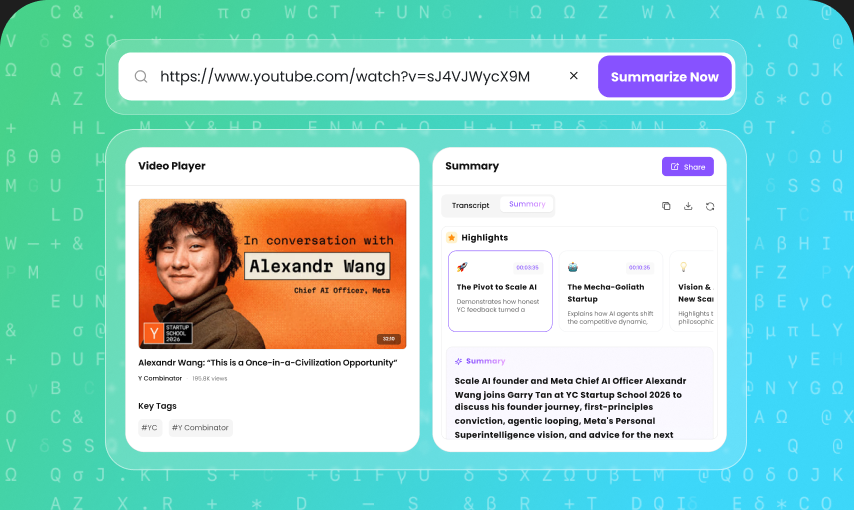
Don't want to download a video first? Paste a supported public video URL and turn the video's spoken content into text directly.
Start transcribing videos without complicated software or a lengthy setup. Generate your first transcript online and see how much time AI transcription can save.
Turn video transcripts into organized notes, summaries, and actionable information. Keep the important ideas from lectures, meetings, interviews, and other recordings easy to find.
Transcribe videos spoken in different languages and reach a wider audience. Choose the appropriate language when available for a more reliable transcription experience.
Start with the video you already have. Upload a supported video file or paste a public video URL, and let AI extract the spoken content automatically.
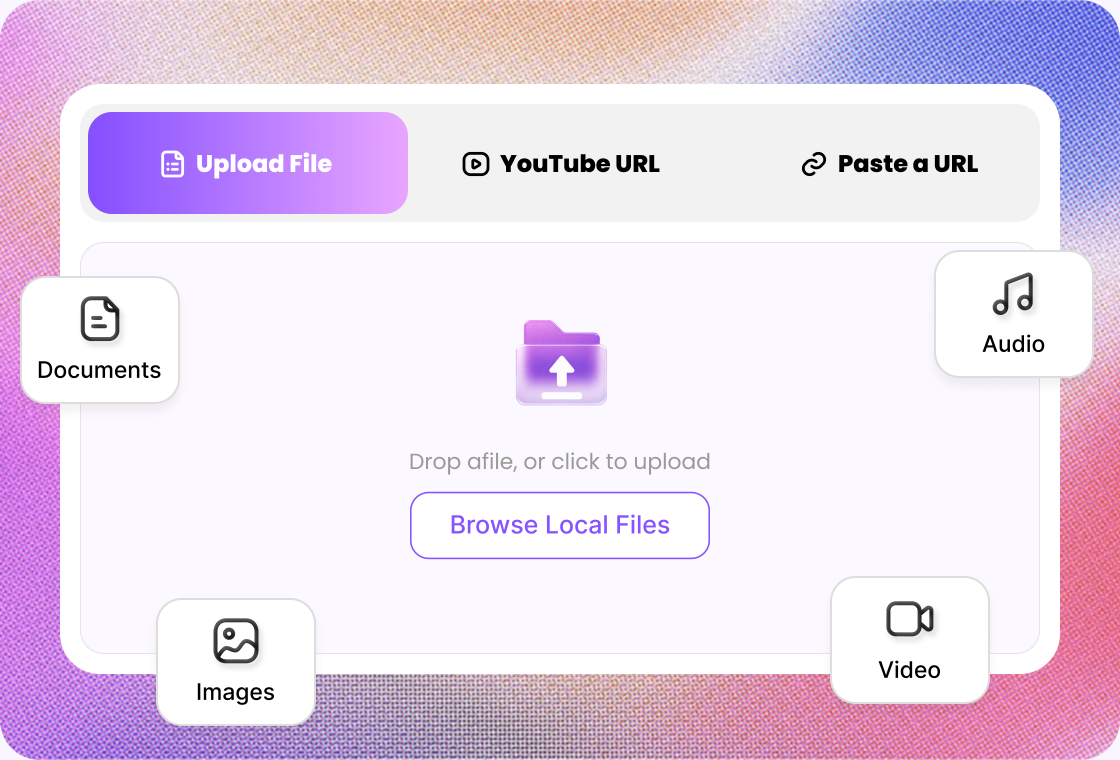
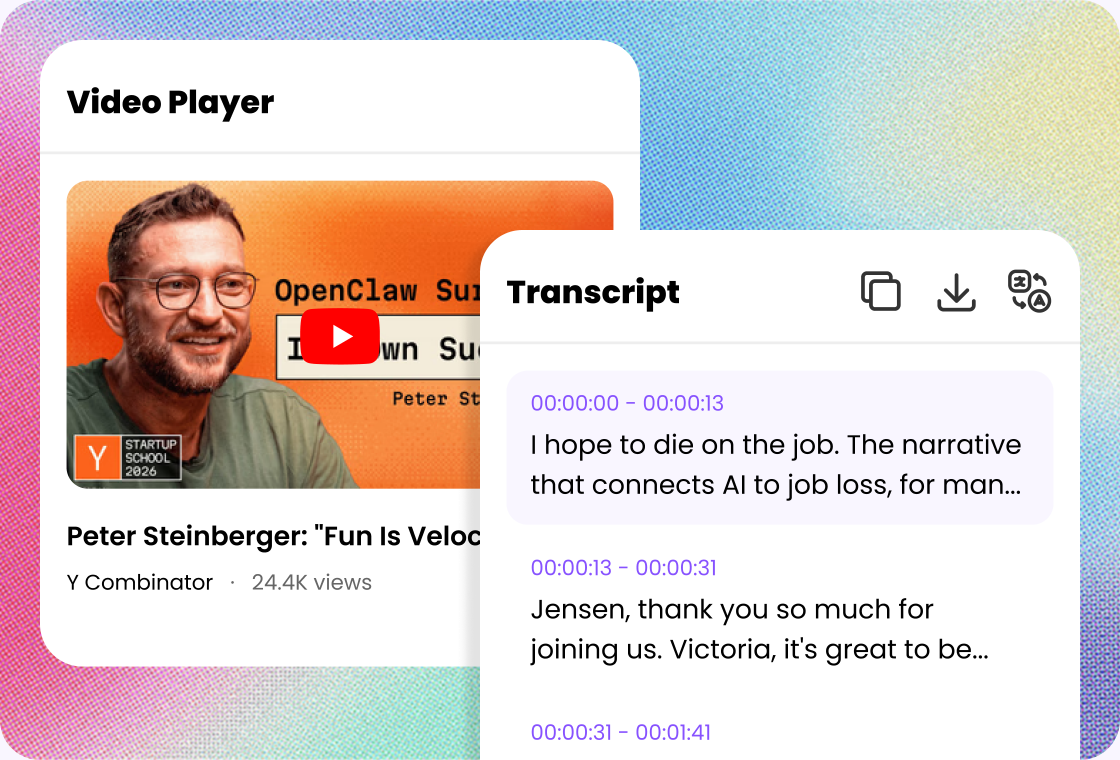
Our AI analyzes the audio track inside your video and converts speech into written text. The result is easier to read, search, edit, and reuse than a video recording.
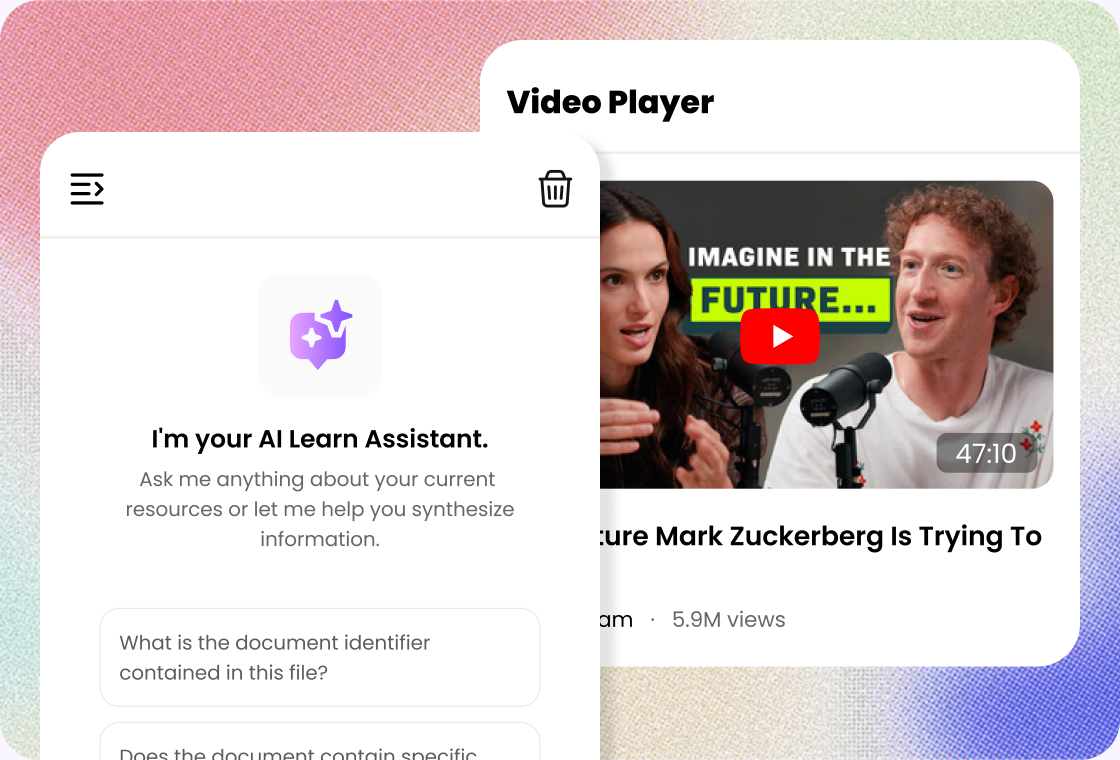
Go beyond transcription. Ask questions about your transcript, find specific information, summarize long sections, or explore the key ideas without watching the entire video again.
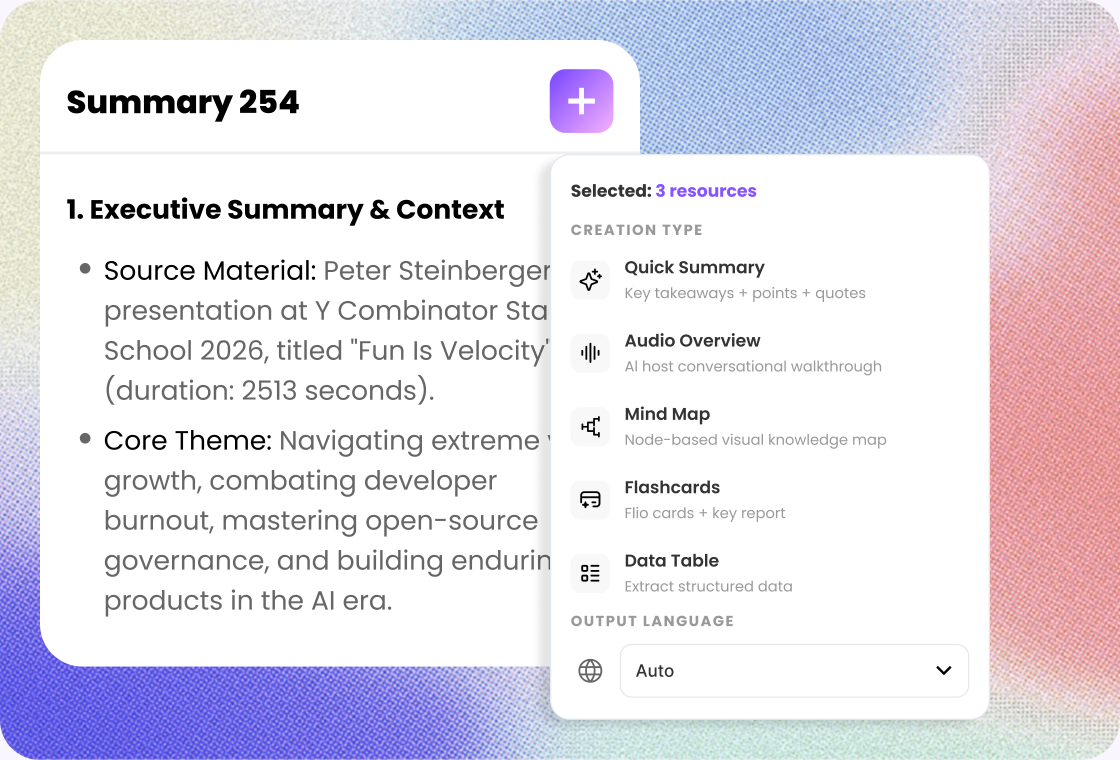
A transcript is only the starting point. Turn video content into notes, summaries, quotes, captions, articles, study materials, and other useful formats.
Upload a video file, paste a YouTube link, or add another public video URL.
Let AI transcribe the spoken content and organize it into readable text.
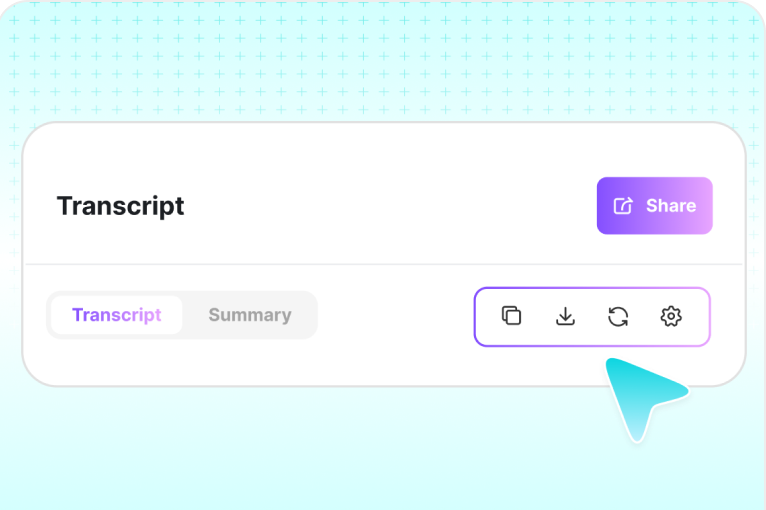
Review, edit, copy or export the transcript for your next workflow.
Turn recorded lectures, presentations, and study videos into searchable text. Review important explanations faster, find specific topics, and create more useful study notes without replaying the entire recording.
Transcribe interviews, research recordings, presentations, and qualitative data into searchable text. Quickly locate quotes, compare responses, and organize large amounts of spoken information for further analysis.
Repurpose videos into transcripts, blog posts, social media content, captions, quotes, and short-form ideas. Get more value from every recording without manually typing the spoken content.
Turn webinars, customer interviews, product videos, podcasts, and video content into text you can search, analyze, and repurpose across your content marketing workflow.
Convert training sessions, presentations, onboarding videos, and internal meetings into searchable transcripts. Make important information easier for employees to review and reference later.
Transcribe interviews, press briefings, video recordings, and conversations faster. Search the transcript for important quotes and review the exact context without repeatedly scrubbing through the video.

Graduate Student
“I use Lunote's video-to-text tool to turn recorded lectures into searchable transcripts before exams. I can find important explanations, review unfamiliar terms, and return to the sections I need without replaying the entire class from the beginning.”

Research Analyst
“I convert research interviews and documentary footage into editable transcripts with Lunote. Searchable text makes it much faster to compare responses, locate useful quotations, and organize evidence when I start preparing an analysis or report.”

Content Creator
“Lunote turns my videos into clean, editable text that I can reuse for articles, captions, and newsletters. It saves me from typing everything by hand and gives each new piece a faster starting point.”

Corporate Trainer
“I use Lunote to convert training videos into searchable documents. Employees can find important procedures, review specific explanations, and revisit key information without watching the full recording.”

Video Editor
“When clients send long interview footage, Lunote gives me a transcript I can search for names, topics, and quotes. Finding the right section is much faster than scrubbing through the entire recording.”
Quick tasks? We’ve got you covered. Use our free standalone tools to boost your daily productivity.
A video-to-text converter is an AI-powered tool that converts the spoken words in a video into written text. Instead of manually listening and typing, you upload a video or provide a supported video link, and the tool automatically generates a transcript.