Context-Aware Text Translation
Lunote reads the passage as connected text, which helps with pronouns, repeated ideas, and words that carry more than one meaning.
Paste text and translate it into 135+ languages. Context-aware AI keeps meaning, tone, and expression intact.
PDF, DOC, DOCX, PPT, PPTX< 50M
10M+Words Translated
135+Languages Supported
4.9Average User Rating
Lunote reads the passage as connected text, which helps with pronouns, repeated ideas, and words that carry more than one meaning.
Set the language you are translating from and the one your reader needs, so short or mixed-language text keeps a consistent direction.
Keep the source next to the translation so you can check a name, a figure, or a sentence that depends on context.
Natural translation does not always follow the original word order. The result is built around the message, not a row of replaced words.
A customer email, a class note, and a formal report should not sound the same. Review formality and clarity before you use the draft.
When the text reads correctly, copy it into an email, note, or conversation without rebuilding the paragraphs.
A sentence usually makes more sense when the translator can see what comes before and after it. Lunote reads the passage as connected text, which helps with pronouns, repeated ideas, and words that carry more than one meaning.
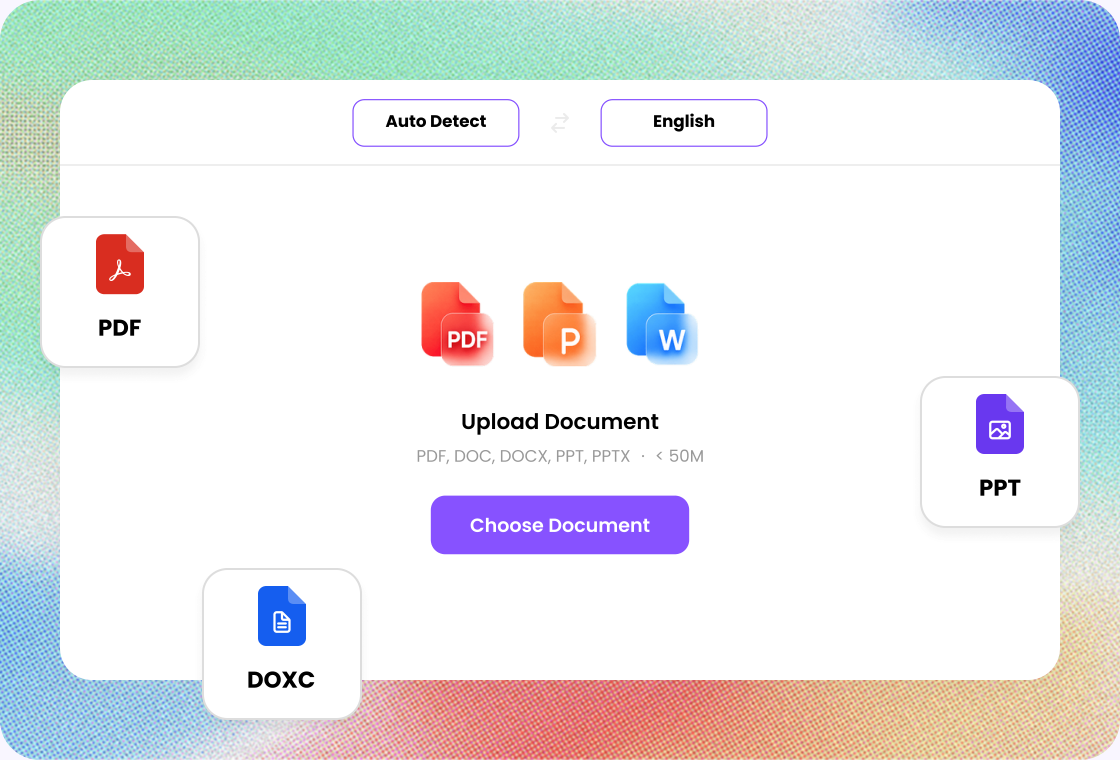
The source text stays close to the translated version, so you can compare the two without switching pages. This makes it easier to check a name, a request, or a sentence whose meaning depends on context.
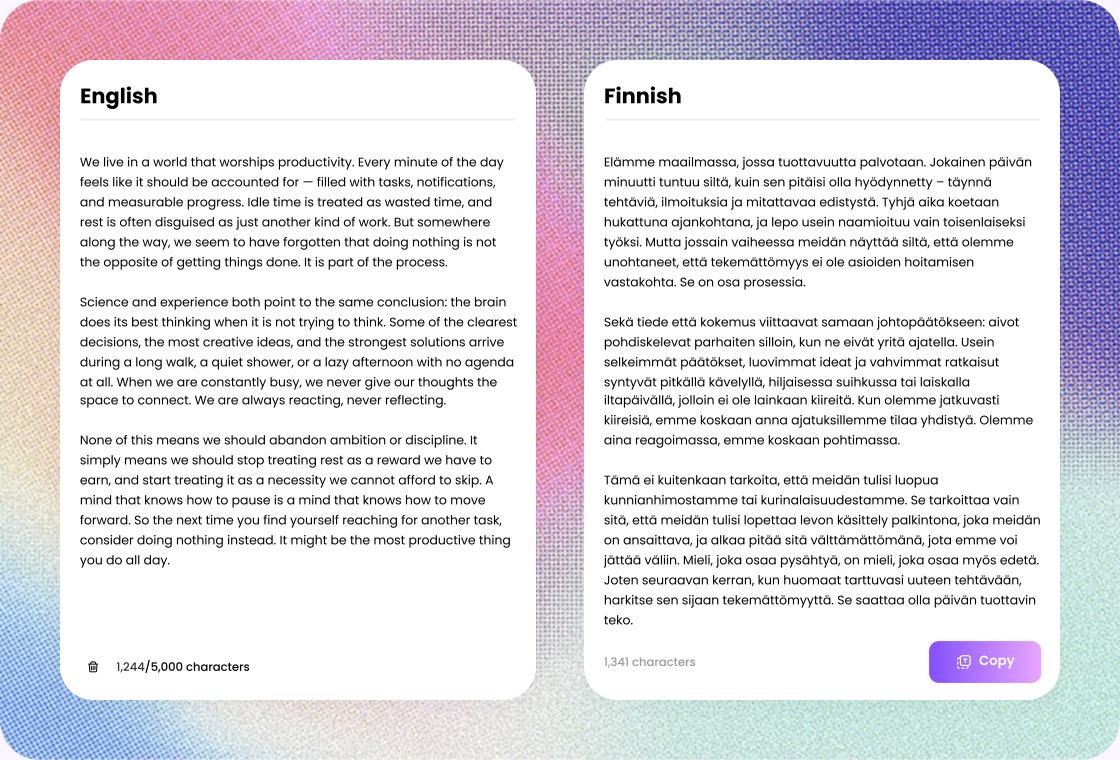
Natural translation does not always follow the original word order. Some phrases need to move, become shorter, or use a different expression to carry the same point.

Step 1
Add complete sentences so the translation can keep meaning and context.

Step 2
Select the source and target languages to keep the direction consistent.

Step 3
Check names, terms, and phrasing, then copy the translation.
Translate articles and notes, then return to the original when you need more context.
Translate lesson notes and instructions while keeping the meaning clear.
Translate messages, briefs, and updates so everyone follows the same information.
Get through a foreign-language passage, then verify citations in the source.
Handle multilingual copy, instructions, and campaign text.
Produce a readable draft first, then refine the tone for the client.

Language Learner
“I use Lunote's text translator to compare the original sentence with its translation while I study. Seeing both versions together helps me understand everyday expressions, notice differences in word order, and learn how the same idea is phrased naturally.”

Frequent Traveler
“When I travel, I use Lunote to translate hotel messages, transport updates, menus, and questions about local activities. I can check the original and translated text together, which makes short conversations easier to understand before I reply.”

Online Seller
“I translate product details and customer questions with Lunote instead of moving each sentence between different tools. The side-by-side text is easy to review, edit, and reuse when I respond to customers.”

Content Creator
“Lunote gives me a useful first translation for captions, titles, and short social posts. I can compare it with the original text, then adjust the wording so the final version still sounds like my usual style.”

Remote Worker
“When teammates send messages in another language, I use Lunote to understand the main point quickly. Seeing the original beside the translation helps me check important details before writing a clear response.”
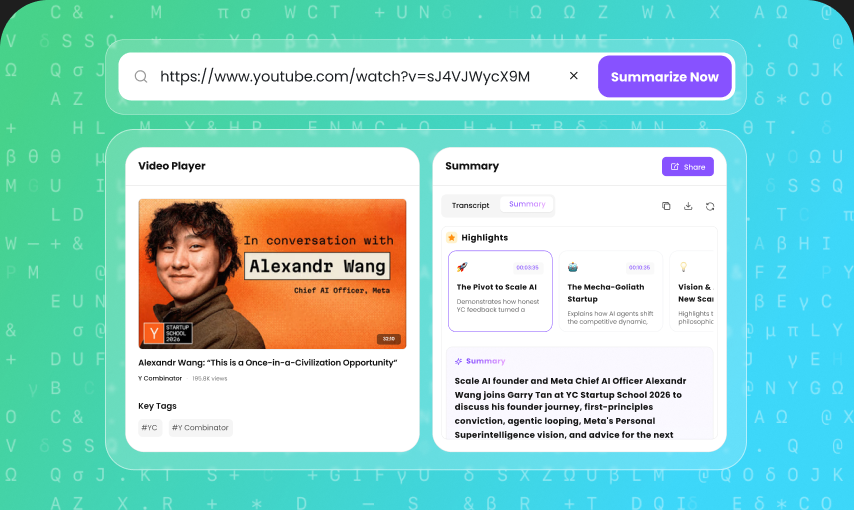
After you translate a passage, keep going: detect AI text, humanize writing, summarize a video, or turn sources into notes.
A text translator converts written content from one language into another while preserving the original meaning. It uses AI to understand context, grammar, and sentence structure so you can translate messages, emails, and other text quickly.