





Students
Refine essays, applications, reflections, and discussion posts. Keep your ideas while removing stiff or repetitive wording.
The best real-time AI assistant for your daily work and to improve your learning and working efficiency as much as possible.
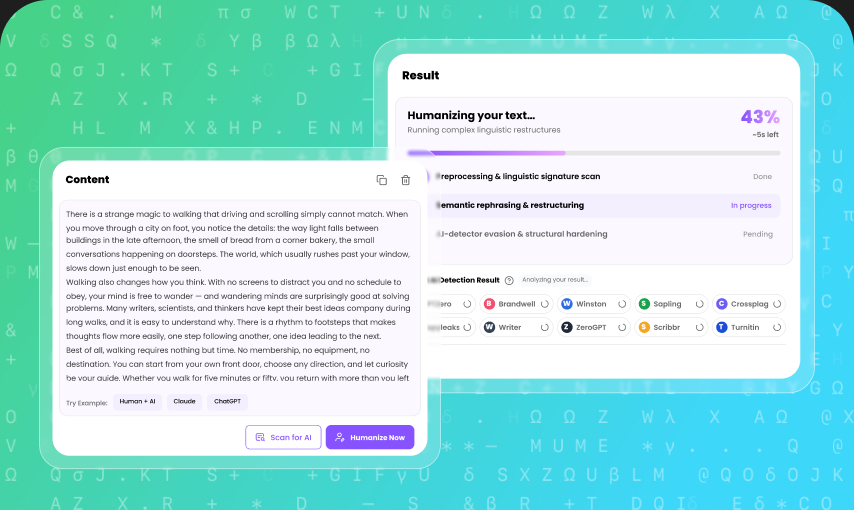
Rewrite AI-generated text for essays, articles, lessons, emails, research, and professional documents while keeping your original meaning.
Refine essays, applications, reflections, and discussion posts. Keep your ideas while removing stiff or repetitive wording.
Polish articles, landing pages, product copy, and content briefs. Keep important terms while making the writing easier to read.
Improve emails, proposals, reports, and internal updates. Replace generic phrases with clearer, more direct language.
Rewrite lessons, feedback, assignments, and study materials so complex ideas are easier for students to follow.
Refine abstracts, literature notes, and research summaries while keeping key terms, arguments, and supporting details.
Polish presentations, case studies, project updates, and client documents without changing the message you need to deliver.
AI-generated drafts often repeat transitions, follow the same sentence rhythm, and rely on broad phrases. Replacing individual words does not fix how the whole passage reads.
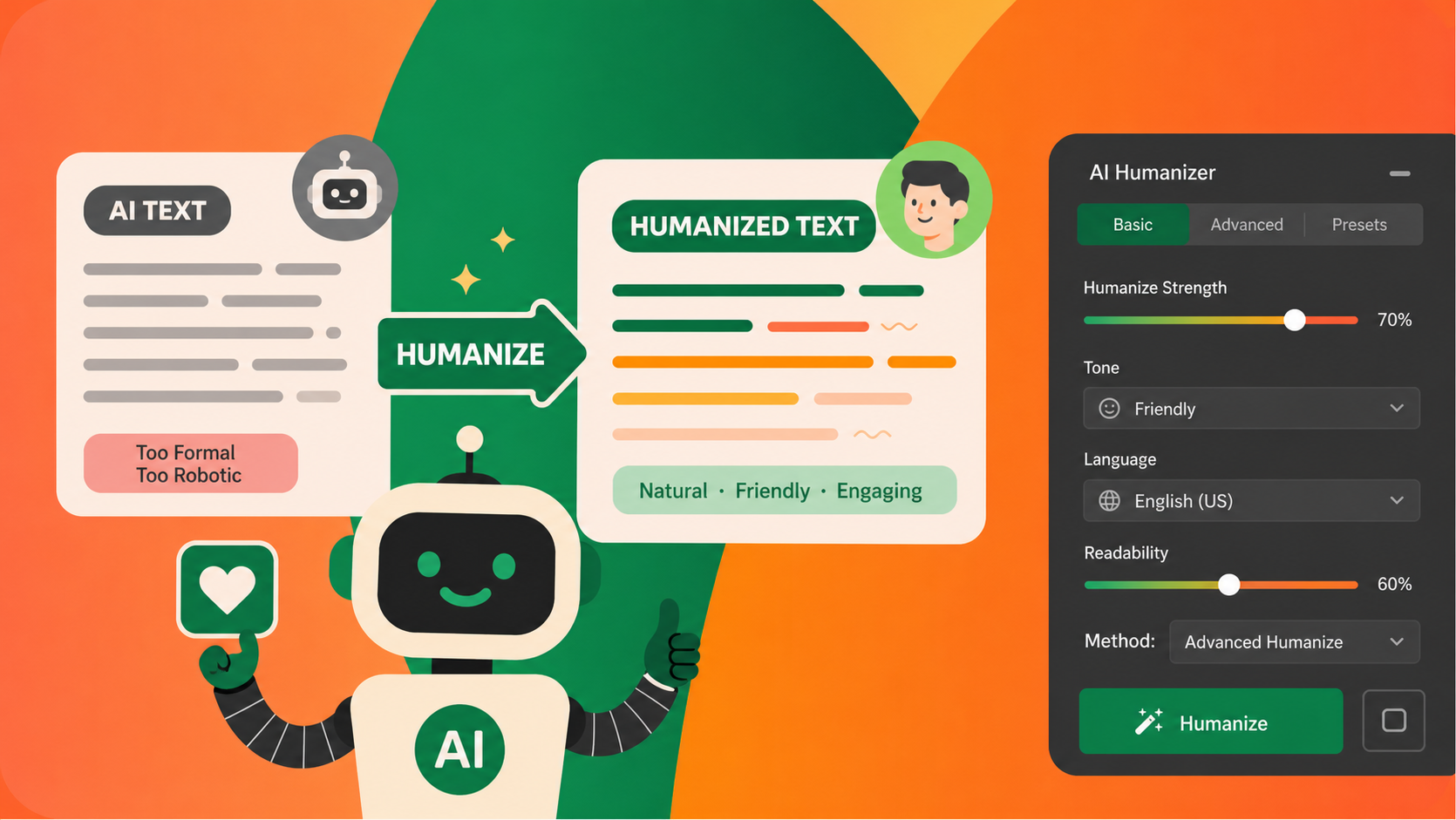
Lunote AI Humanizer rewrites sentence structure, flow, and wording together. Review the revised version while keeping the message, facts, and useful details from your original draft.
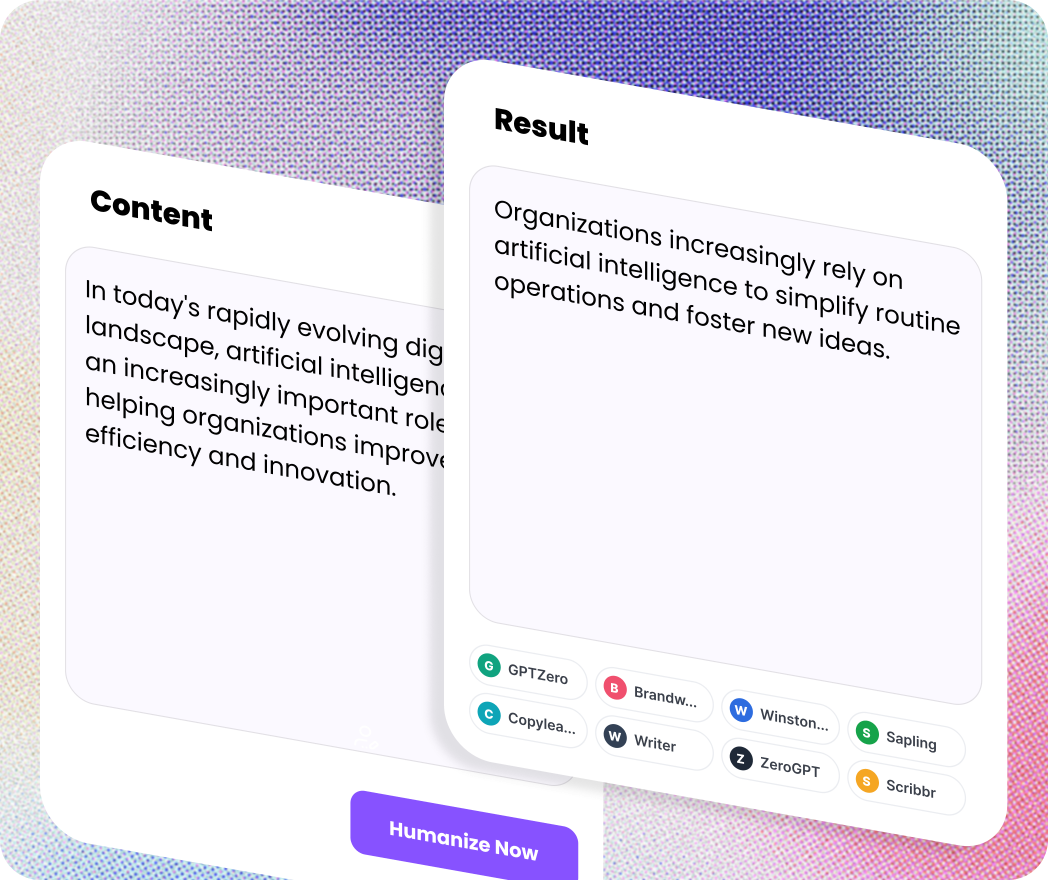
Control how much the text changes, compare the result, and finish with natural writing that still reflects your original meaning.
Compare the original and revised text to find passages that may still need attention before publishing or submitting.
Choose a lighter edit for simple polishing or a stronger rewrite when the draft needs deeper structural changes.
Keep key facts, arguments, and intended messages while improving wording, rhythm, and sentence structure.
Reduce repetition, vary sentence length, and improve transitions that make AI-generated text feel mechanical.
Humanize drafts created with ChatGPT, Claude, Gemini, DeepSeek, and other widely used AI writing tools.
Rewrite and polish content in supported languages while keeping the purpose and context of the original text.
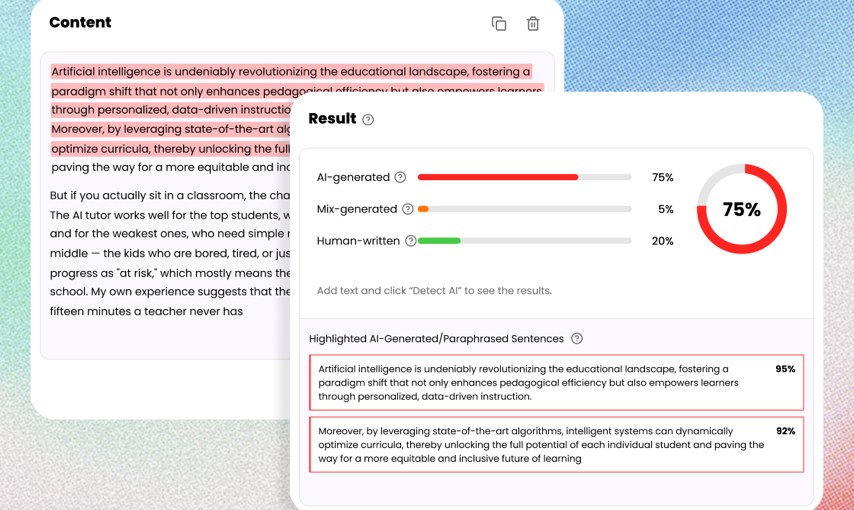
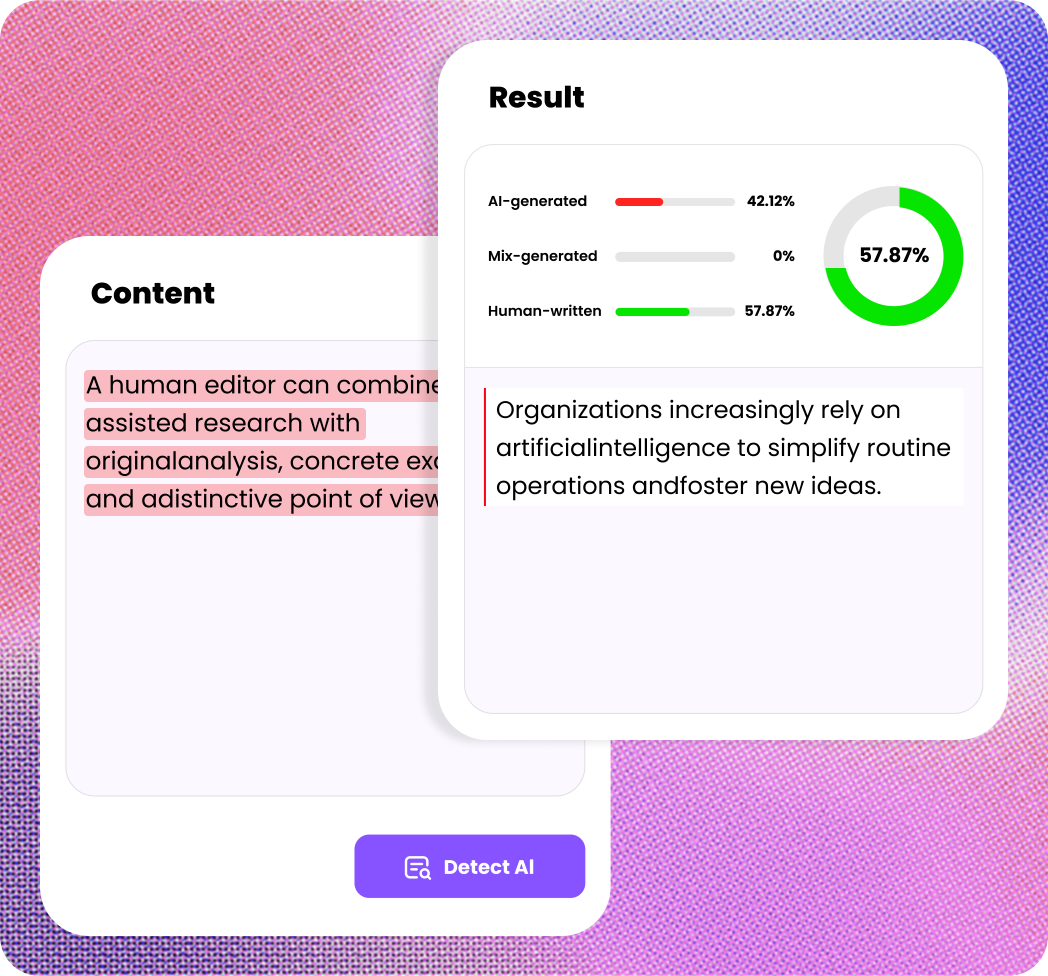
Need to know whether text was likely generated by AI? Our AI Detector analyzes writing patterns and provides a clear assessment to help you review content with greater confidence.
Analyze AI-Generated Text. Check whether content shows patterns commonly associated with AI writing.
Fast Results. Paste your text and get an assessment in seconds.
Built for Real-World Content. Analyze essays, articles, marketing copy, emails, and other forms of written content.
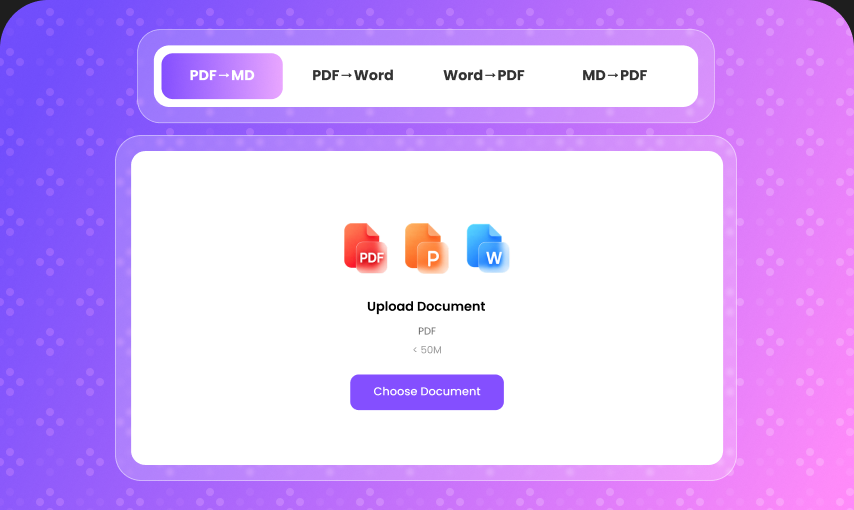
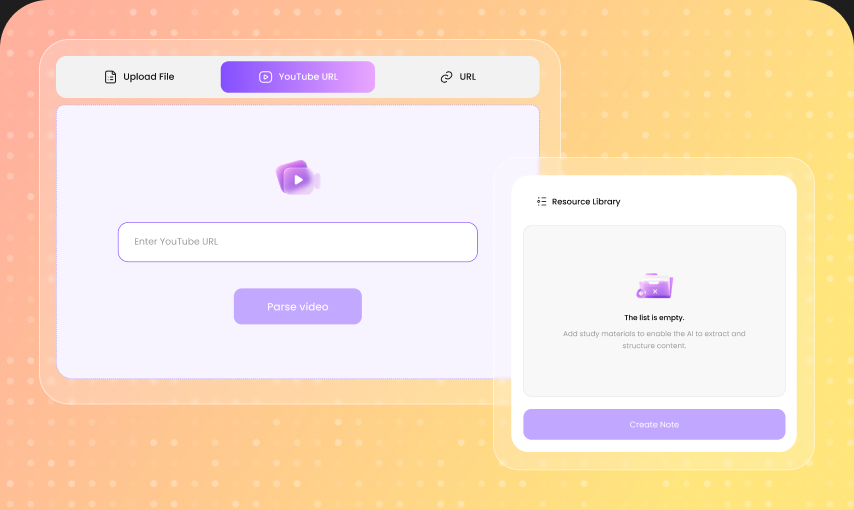
Lunote offers a seamless workspace for humanizing, analyzing, translating, transcribing, and taking notes from real files so you can work more efficiently in one place.
From quick questions to demanding projects, use AI where it actually saves you time.
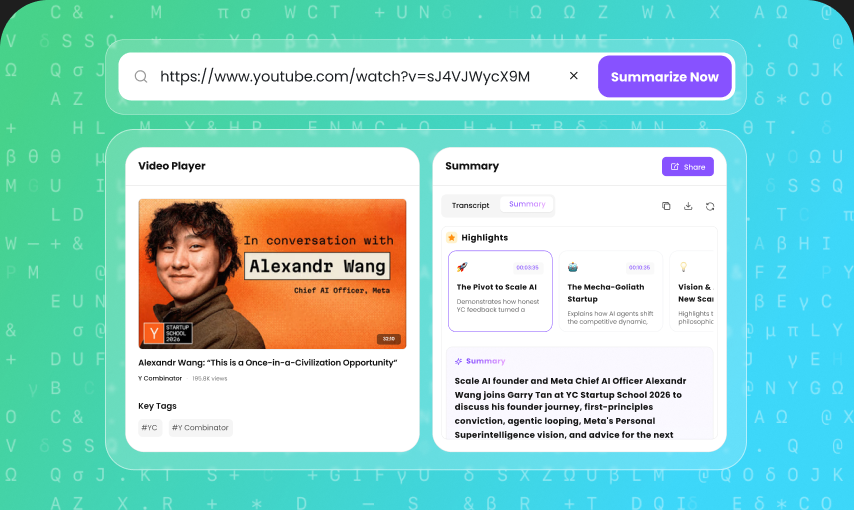
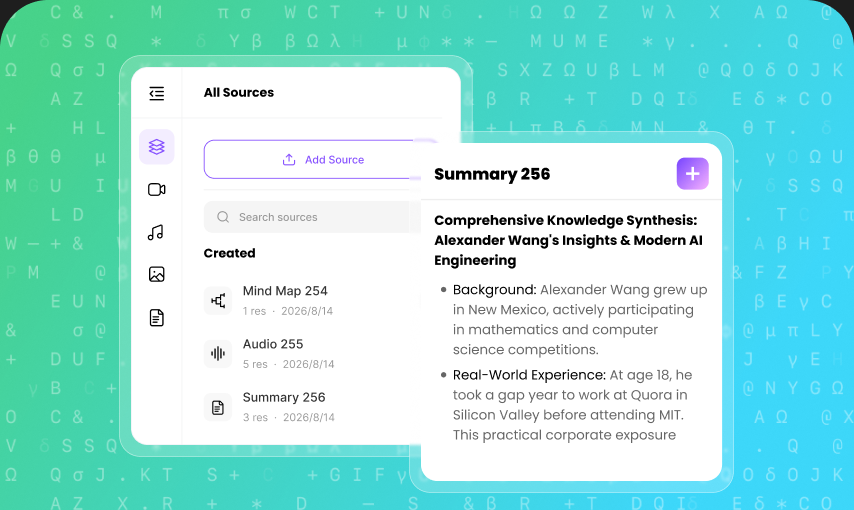
Summarize sources, explain difficult concepts, extract key information, and organize research into useful notes.
Brainstorm topics, create outlines, draft articles, rewrite paragraphs, and polish your final copy.
Draft emails, prepare reports, organize information, summarize meetings, and simplify repetitive tasks.
Create content briefs, product descriptions, social media copy, email campaigns, and search-focused content faster.
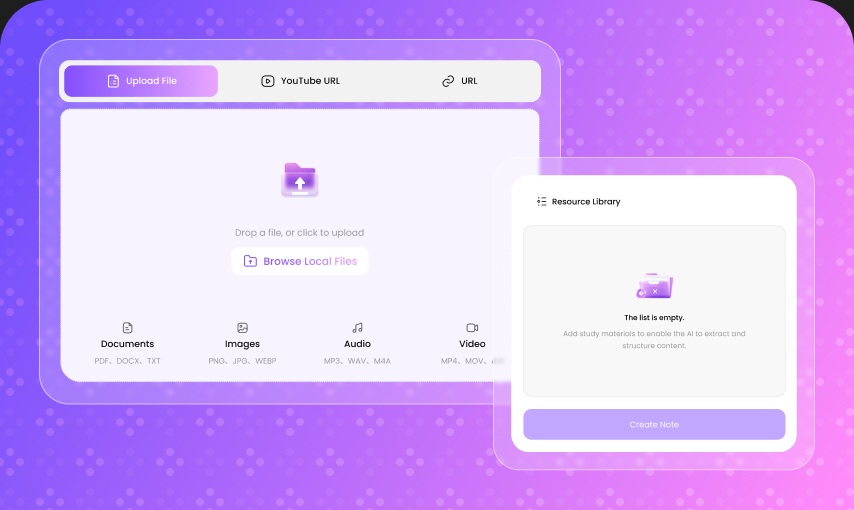
Work with PDFs and other documents to extract information, summarize content, answer questions, and find important details.
Generate ideas, develop concepts, create copy, explore different approaches, and turn inspiration into finished work.

Top 3Rising AI Tool
1M+Active Global Users
430K+AI Tasks Processed Monthly
4.9Average User Rating

Master’s Student, Education
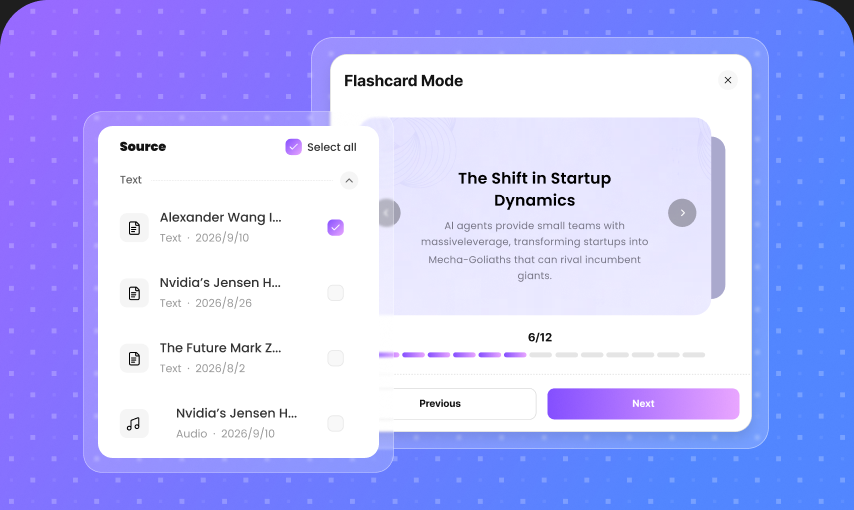
“I use Lunote to turn recorded seminars into structured notes and flashcards before exam review. It saves me from rebuilding the material from scratch, while I still check technical terms against the original lecture.”

Research Assistant, Public Policy
“For long reports, the summary gives me a clear map before I begin a close read. I can identify relevant sections faster, then return to the source whenever a claim needs more evidence or context.”

Graduate Student, Applied Linguistics
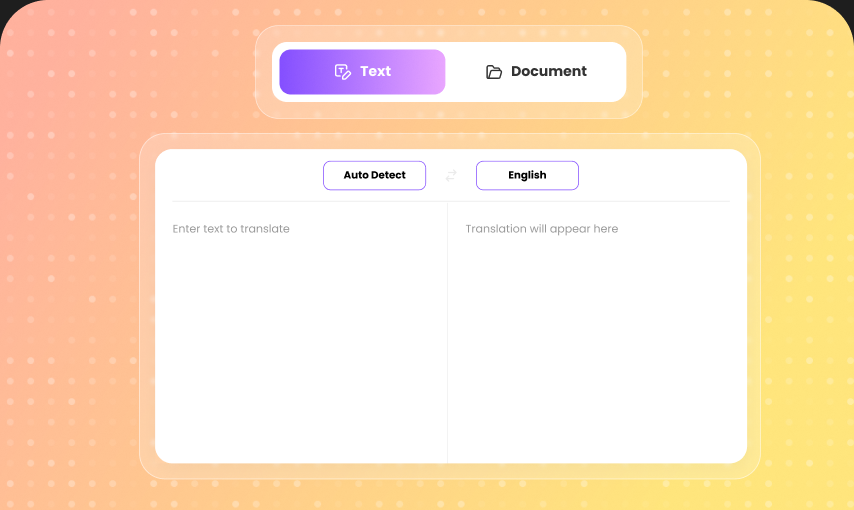
“Side-by-side translation and structured notes help me work through unfamiliar research without losing the original wording or context.”

Content Operations Manager
“I use the humanizer as an editing pass for early drafts. It improves the flow while I keep control of the facts, argument, and brand voice.”

Independent Strategy Consultant
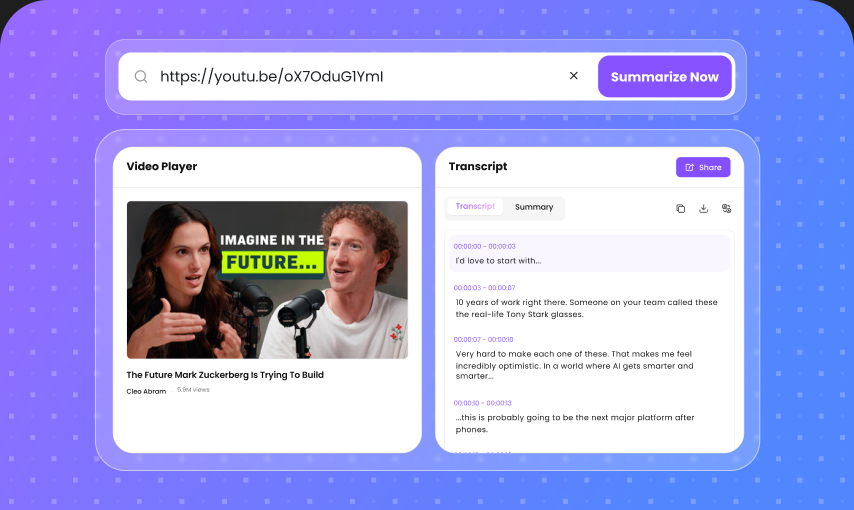
“Keeping transcripts, summaries, and file conversion in one workspace makes client research easier to organize and reduces unnecessary tool switching.”
Upgrade to Pro to unlock all AI tools, higher limits, faster workflows, and let AI handle more of your learning process.

$99.99/year · cheaper than monthly
Includes Productivity Management Features, plus:
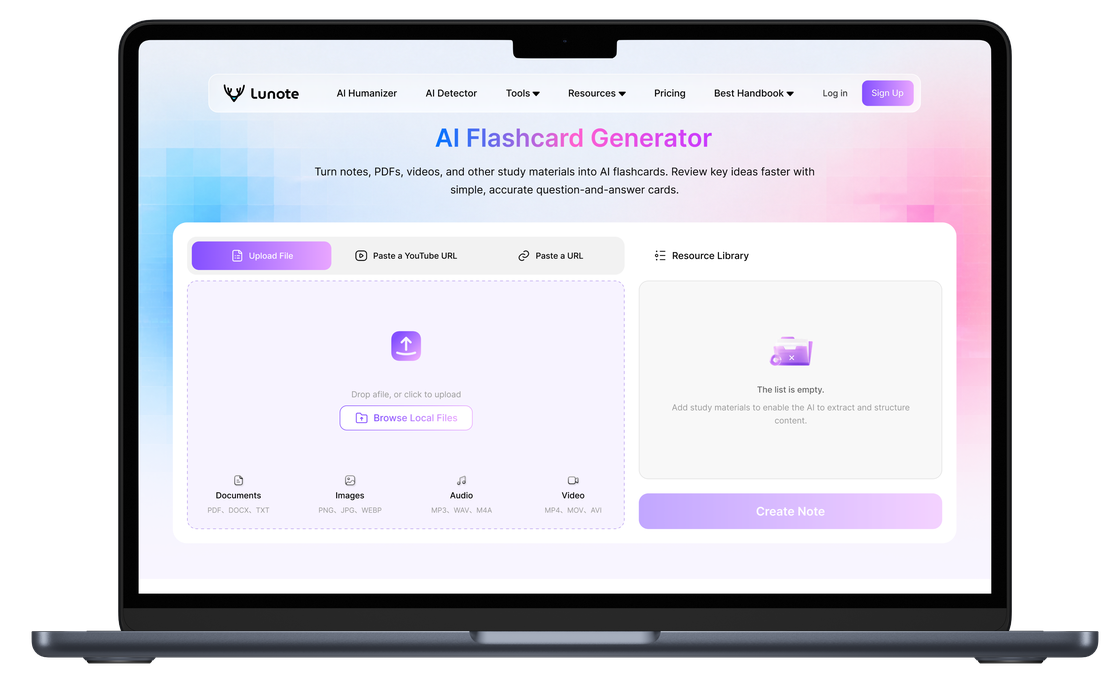
Start making a lasting impression with every piece of content you create. Lunote presents an extremely rare opportunity for content creation in real time.
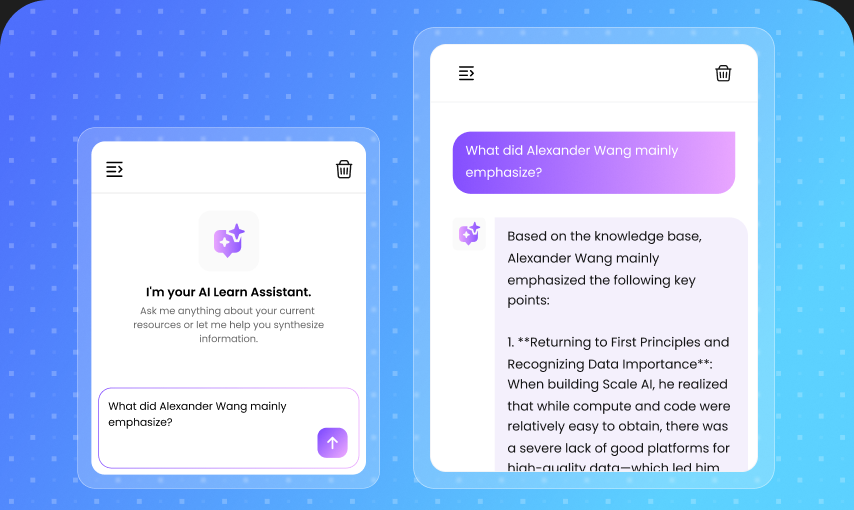
An AI assistant is a tool that helps you write, summarize, translate, organize notes, and work with documents using artificial intelligence. It is useful when you have information in front of you but need help turning it into something clearer, shorter, or easier to use.
Lunote is built around that kind of everyday knowledge work. You can start with notes, PDFs, transcripts, drafts, or copied text, then use Lunote to create summaries, study materials, translations, cleaner writing, or structured outputs. If your first goal is to work from your own material, start with AI Note Taking to create your first AI summary.