Clean Markdown Output
Turn PDF content into readable Markdown with organized headings, paragraphs, lists, and formatting.
Turn PDF files into clean, structured Markdown in seconds. Preserve headings, paragraphs, lists, tables, links, and document structure - without manually reformatting your content.
< 50M
10M+Documents Processed
50 MBFile Size Limit
4.9User Rating
Turn PDF content into readable Markdown with organized headings, paragraphs, lists, and formatting.
Reconstruct the structure of your PDF so the resulting Markdown is easier to edit, publish, and reuse.
Convert tables from supported PDFs into Markdown-friendly content that is easier to copy, edit, and reuse.
Convert text-based PDF documents into Markdown without manually copying and cleaning every paragraph.
Drop your PDF into the converter, choose your conversion options, and get Markdown with just a few clicks.
Use your Markdown output with documentation tools, note-taking apps, Git repositories, AI tools, knowledge bases, and more.
PDFs are designed to preserve how a document looks—not how its content should be edited or reused. When you need to move information from a PDF into a documentation site, knowledge base, notes app, or AI workflow, copying and cleaning the content manually can take far too long.
Our PDF to Markdown converter helps transform your PDF content into a cleaner, more editable Markdown format, making it easier to reuse information across your favorite tools.
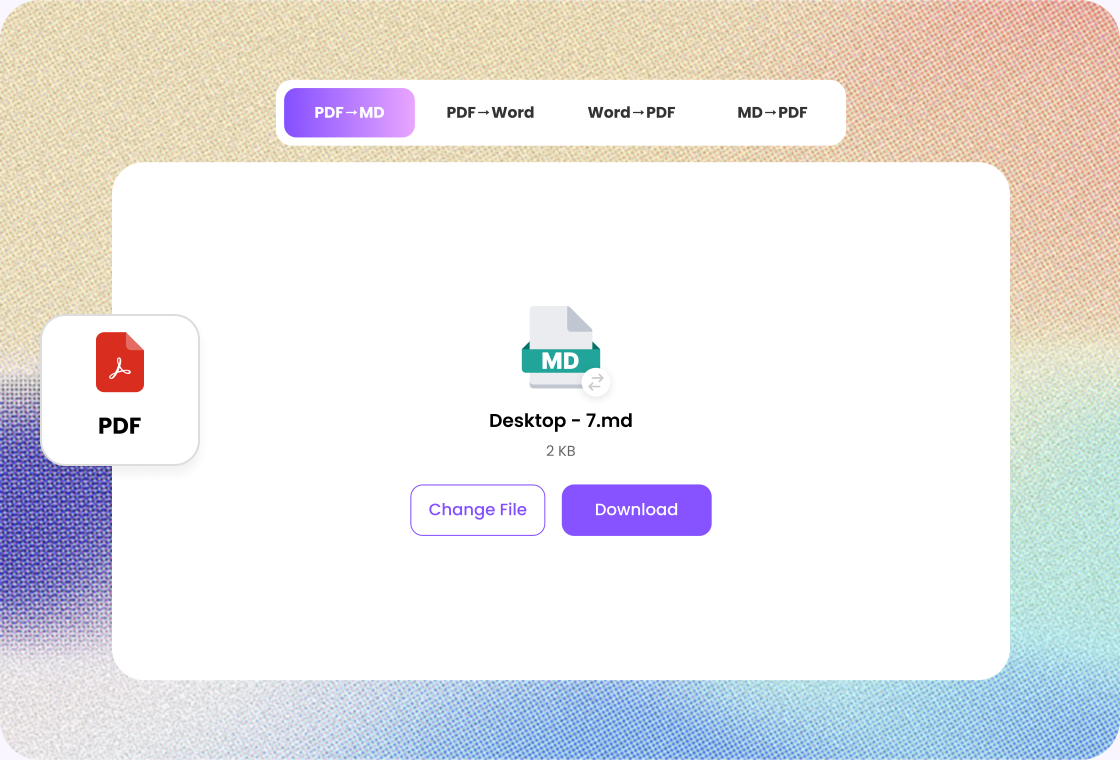
Skip the manual copy-and-paste process. Upload your PDF, let the converter process the document, and download or copy the resulting Markdown.
Whether you're converting a research paper, report, ebook, technical document, presentation notes, or internal documentation, Markdown gives you a lightweight format that's easier to edit and reuse.
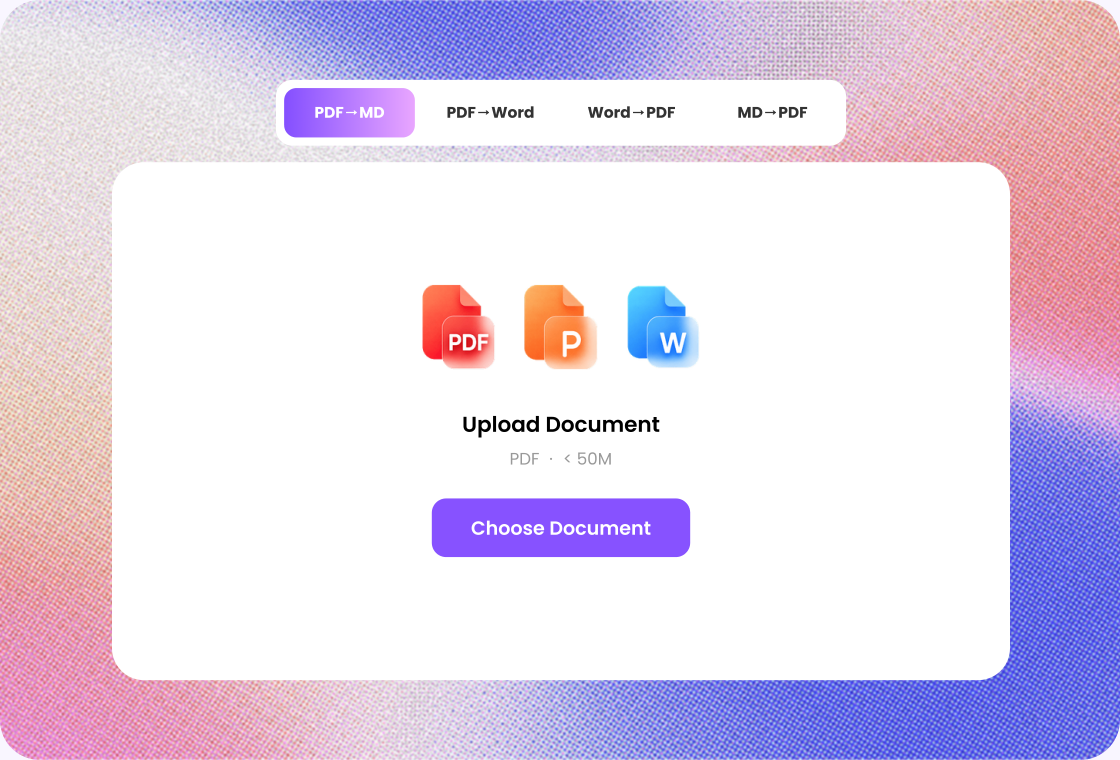
Turn static document content into a format that works better for editing, publishing, documentation, and content workflows.
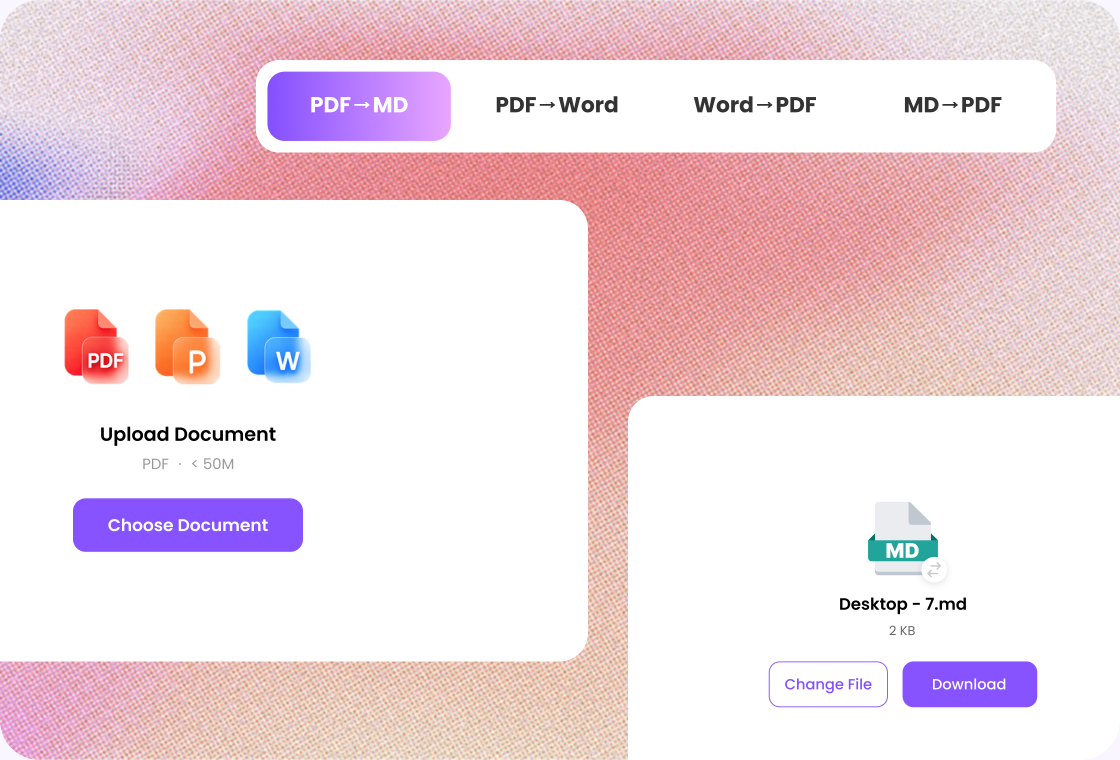

Step 1
Add the file you want to convert.

Step 2
Choose a format that fits what you plan to edit, share, or publish.

Step 3
Review the structure and key details before downloading.
Convert research papers, reports, and study materials into editable Markdown for easier annotation and organization.
Prepare PDF content for AI-powered workflows, document processing, knowledge bases, and retrieval systems.
Turn PDF manuals, technical guides, and product documentation into Markdown that's easier to maintain and publish.
Convert useful PDF content into Markdown notes that can be organized and connected with your existing knowledge system.
Convert technical PDFs into Markdown that can be reviewed, edited, and stored alongside other project documentation.
Extract useful information from PDFs and transform it into a more flexible format for future editing and publishing.

Project Coordinator
“I use Lunote's file converter when a reference PDF needs to become a more workable format for comments and updates. It saves me from rebuilding the file manually, while I still compare the headings, tables, and page structure before sharing the result.”

Developer
“Converting a working draft into Markdown gives me a cleaner starting point for technical documentation. Lunote makes the handoff faster, and I usually only need to tidy sections where the source file depends on tables, columns, or more complex formatting.”

Teacher
“Older handouts often arrive in a format that is difficult to update. I convert them with Lunote, make the necessary edits, and check the text, images, and final page layout before using the materials in class.”

Operations Analyst
“I use Lunote when teammates need a reporting file in a different format. The conversion makes handoffs easier, while I still verify each figure, table, heading, and page break against the original file.”

Nonprofit Coordinator
“I do not need a separate desktop tool for every occasional file conversion. Lunote keeps the workflow straightforward for quick handoffs, and I can review the converted content before sending it to the team.”
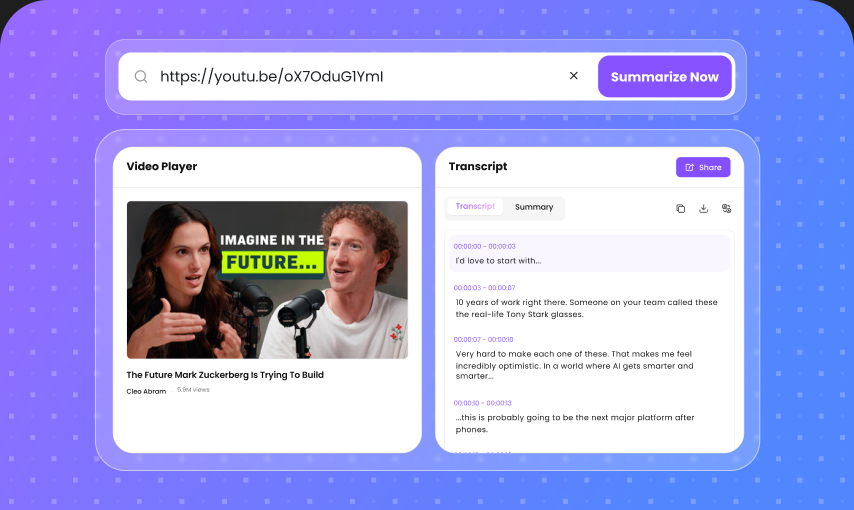
After converting a file, continue with AI detection, rewriting, questions, or video transcripts in Lunote.
A PDF to Markdown converter turns the content of a PDF document into Markdown, a lightweight plain-text format commonly used for documentation, notes, websites, repositories, and content workflows.