99% Undetectable Guarantee
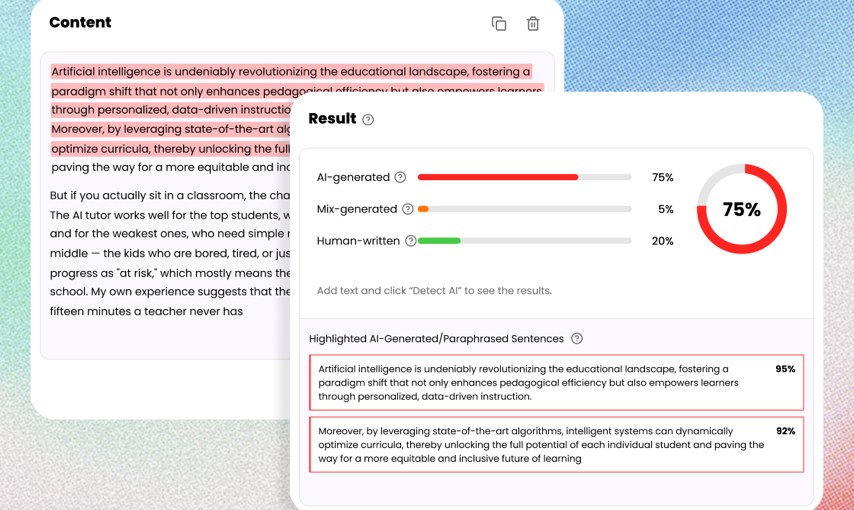
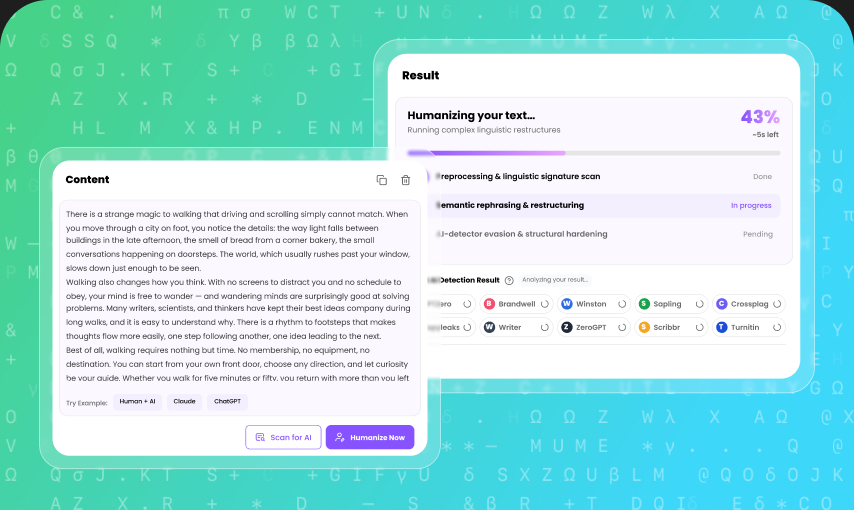
Bypass the most advanced AI detection systems, including GPTZero, Copyleaks, Originality.ai, and Sapling. We ensure your content achieves a high Human Score every time.
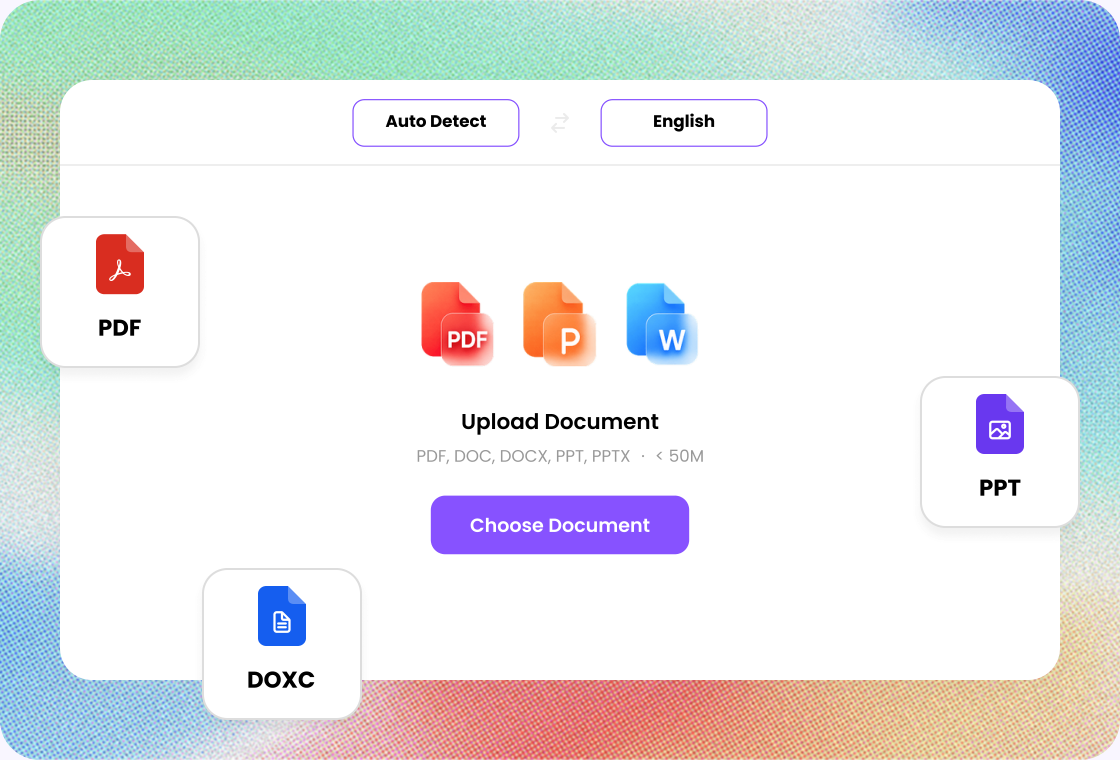
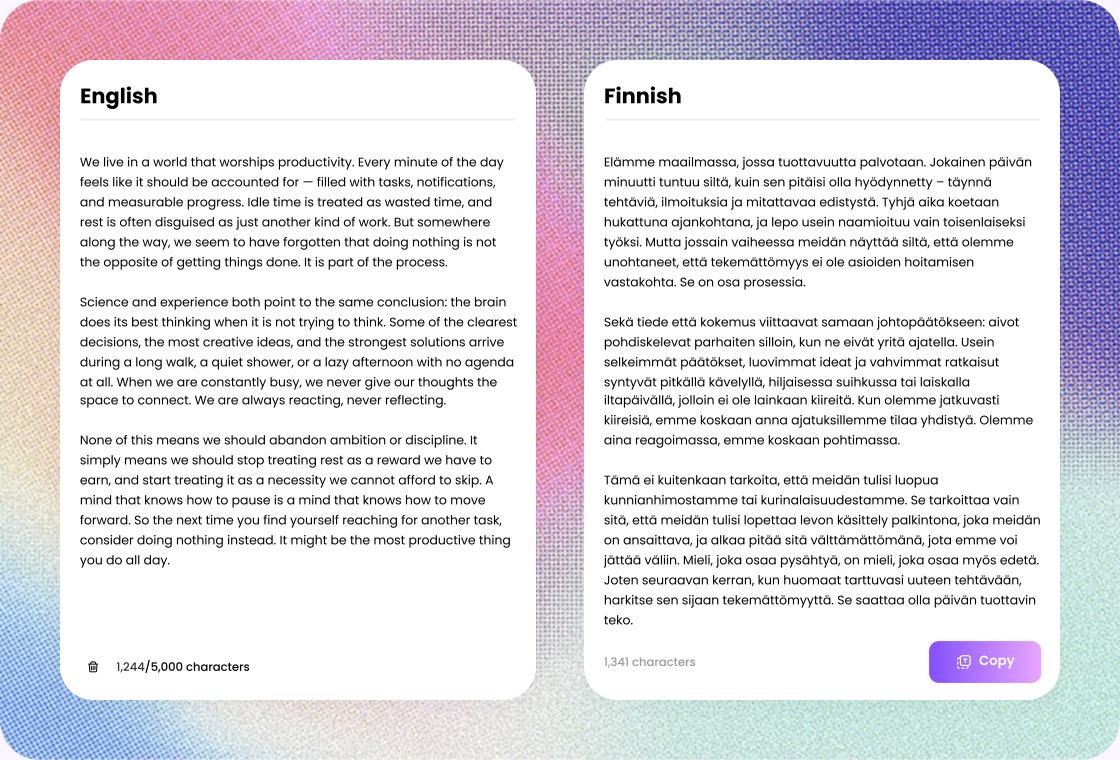
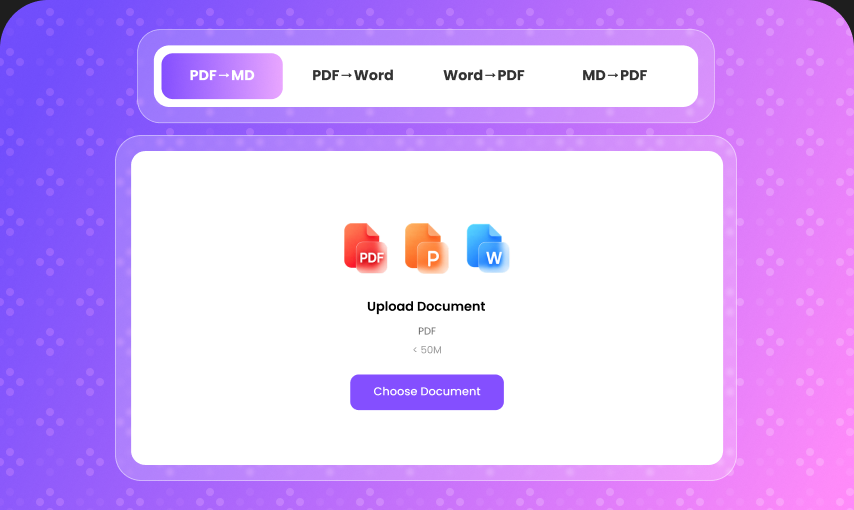
Instantly translate PDF, Word, and PowerPoint files into 135+ languages. Powered by Google AI. No sign-up required.
PDF, DOC, DOCX, PPT, PPTX
< 50M
130K+Documents Translated
135+Languages Supported
4.9Average User Rating
Bypass the most advanced AI detection systems, including GPTZero, Copyleaks, Originality.ai, and Sapling. We ensure your content achieves a high Human Score every time.
Unlike basic spinners that just swap synonyms, our advanced AI understands the logic and context of your text, ensuring the output reads naturally and retains the original meaning.
Take control of your content. Switch between Simple, Standard, and Enhanced modes to balance readability with maximum anti-detection power.
We generate unique, original content. The rewritten text not only bypasses AI detectors but also passes standard plagiarism checks like Copyscape.
Don't lose your rankings. Our tool preserves crucial keywords while humanizing the text, protecting your content from search engine penalties.
Go global with native-level fluency. The tool adapts to the linguistic nuances of over 80 languages.
Experience immediate results with no account registration needed for basic usage—just paste and humanize.
Translate a complete PDF or Word file in one job instead of copying paragraph by paragraph. Headings, lists, and tables stay in the same pass.

The same word can mean something different in a report, lesson plan, or product doc. Lunote reads nearby sentences before choosing wording.

The translated file still follows the original sections, so headings, paragraphs, and lists stay recognizable. Complex files may need a visual check.


Step 1
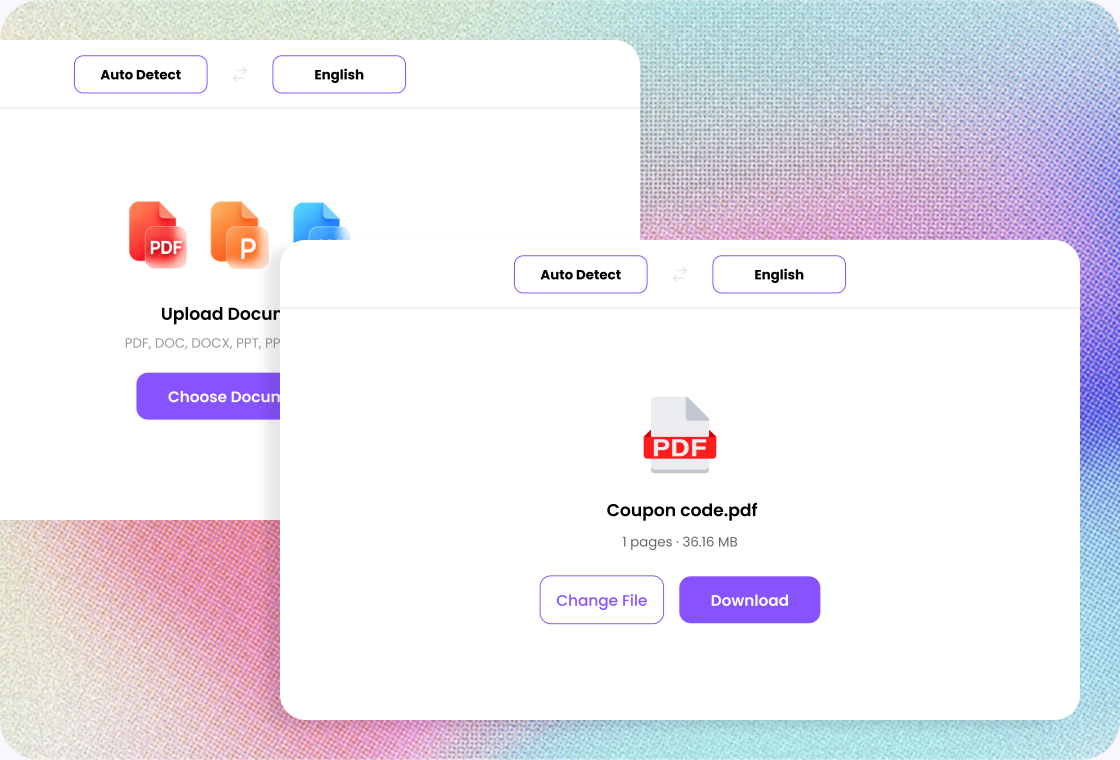
Add a clear PDF, DOCX, or PPT file so the document is easier to translate.

Step 2
Select the source and target languages, then start the full-document translation.

Step 3
Check names, figures, and key terms, then download the translated file.
Read papers and course files while keeping the source nearby.
Prepare bilingual handouts and keep headings and tables in place.
Share reports and project files across languages.
Get through foreign-language literature, then verify citations.
Handle manuals, instructions, and campaign materials.
Produce a complete draft, then refine it for the client.
University Student
“I translated a long course reading in one go, and the headings and paragraphs were still easy to follow when I reviewed it.”
Online Seller
“I use it to translate product guides for customers in different regions. Working with the complete document is much easier than copying it section by section.”
Language Tutor
“It gives me a useful first draft for bilingual handouts while keeping the original sections in a familiar order.”
Freelance Designer
“When a client sends a project brief in another language, I can translate the whole file and understand the requirements before starting.”
Travel Blogger
“I often collect guides and reference documents in different languages. Translating the complete file makes the information much easier to organize.”
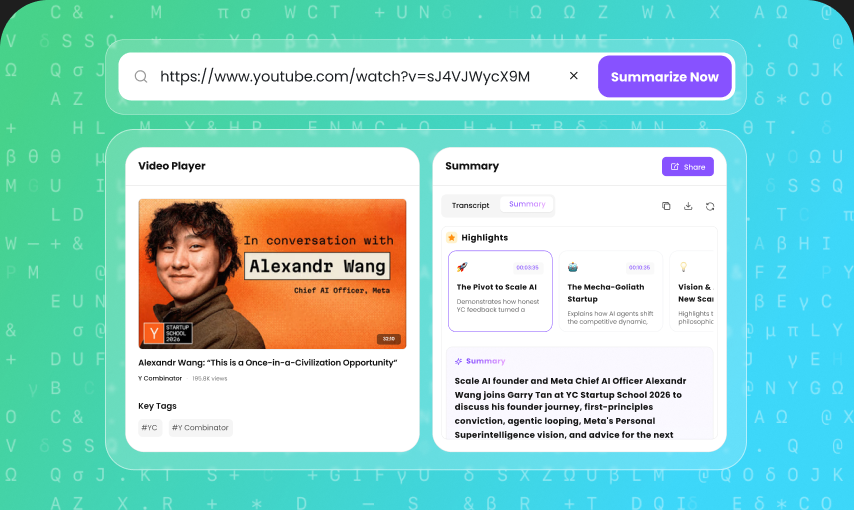
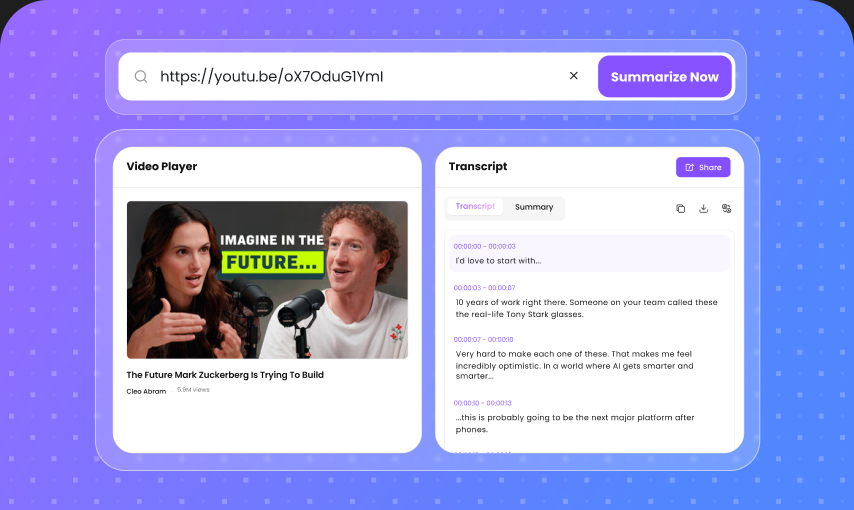
After you translate a document, keep going with AI detection, humanizing, video summaries, and note tools in the same workspace.
Currently supports PDF and DOCX formats, up to 50 MB per file, PDF up to 100 pages.