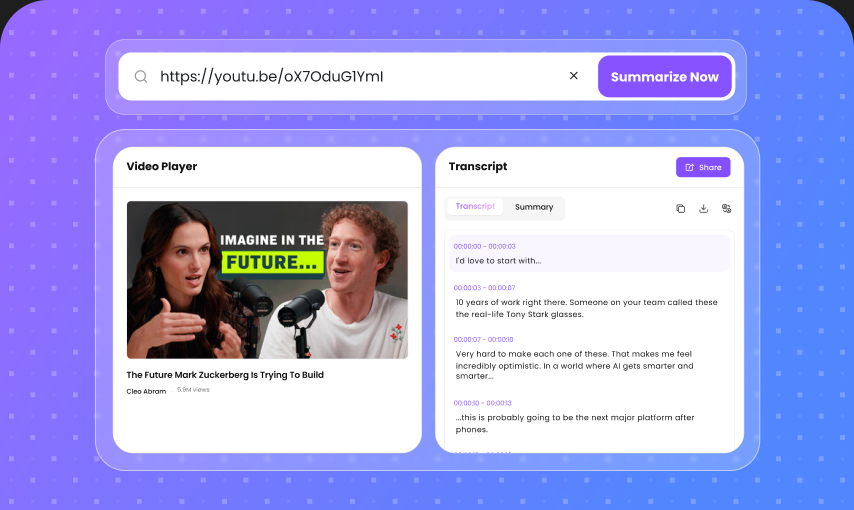
99.5% Accuracy
Get highly accurate transcripts from clear audio without typing everything yourself. AI recognizes natural speech and turns your recordings into readable text.
Convert audio recordings into clear, editable text with AI. Transcribe interviews, meetings, lectures, podcasts, voice memos, and more with fast, accurate speech recognition.
Drop a file, or click to upload
1M+Audio Files Transcribed
370K+Manual Hours Saved Monthly
4.9Average User Rating
Get highly accurate transcripts from clear audio without typing everything yourself. AI recognizes natural speech and turns your recordings into readable text.
Upload the formats you already use, including MP3, WAV, M4A, MP4, FLAC, and more. No extra conversion step is required.
Turn long recordings into text you can search, review, copy, and edit. Find the information you need without replaying the entire recording.
Make conversations easier to follow with speaker-aware transcripts. Identify different voices in interviews, meetings, podcasts, and group discussions.
Convert recordings into text without spending hours on manual typing. Get a usable transcript quickly so you can move on to your next task.
Transcribe audio in multiple languages and turn spoken content into text for a wider range of projects, audiences, and workflows.
Work with longer recordings without manually splitting them into small sections. Transcribe lectures, interviews, podcasts, meetings, and other extended audio content.
Your recordings deserve careful handling. Lunote is designed to keep your uploaded content protected while you turn audio into useful text.
Turn spoken audio into clean, structured text with AI-powered transcription. Whether you're working with interviews, lectures, meetings, podcasts, or voice recordings, Lunote helps you capture the words without listening to the same recording over and over.
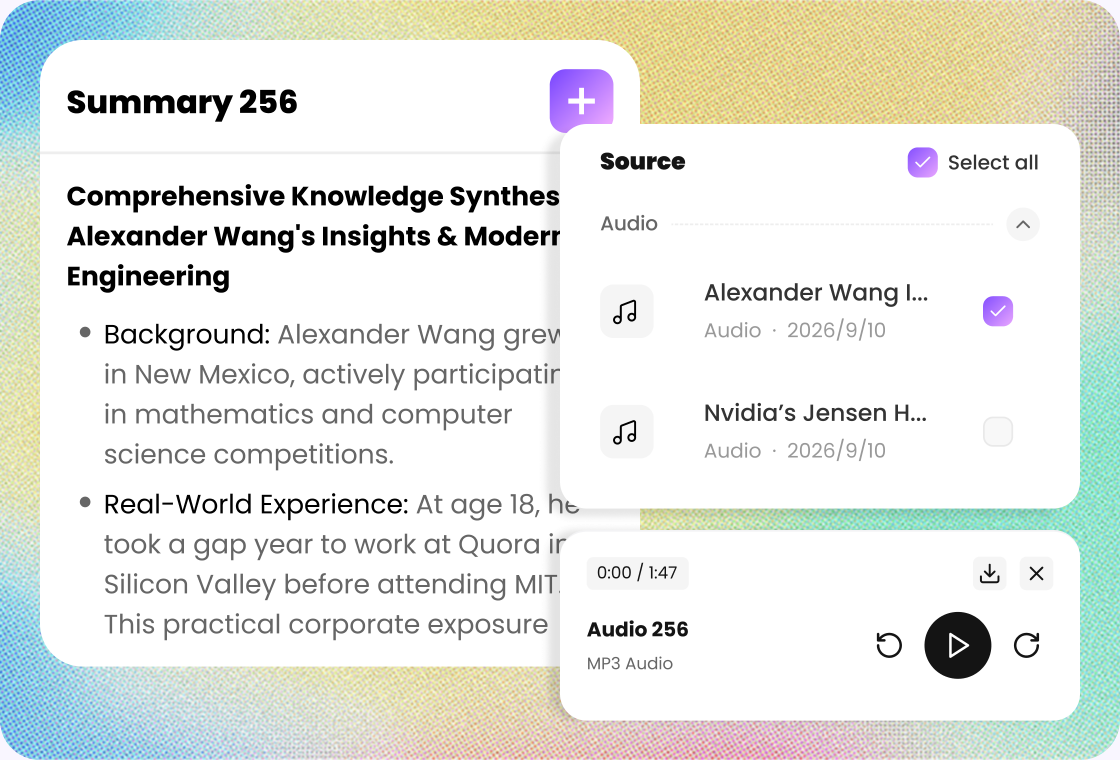
Don't just transcribe your recording—interact with it. Ask questions about the content, find specific information, summarize important points, and explore your recording without manually searching through hours of audio.
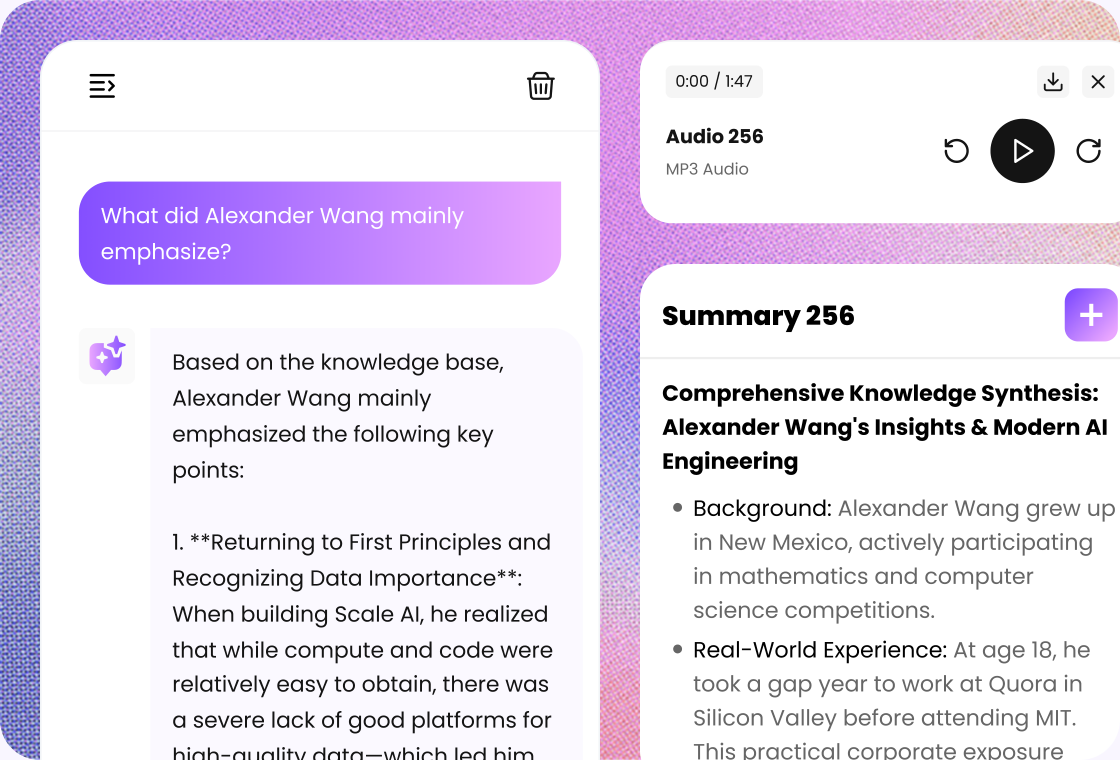
Transcribing long recordings manually can take hours. Lunote helps you process extended conversations, lectures, interviews, and podcasts so you can spend less time typing and more time working with the information that matters.
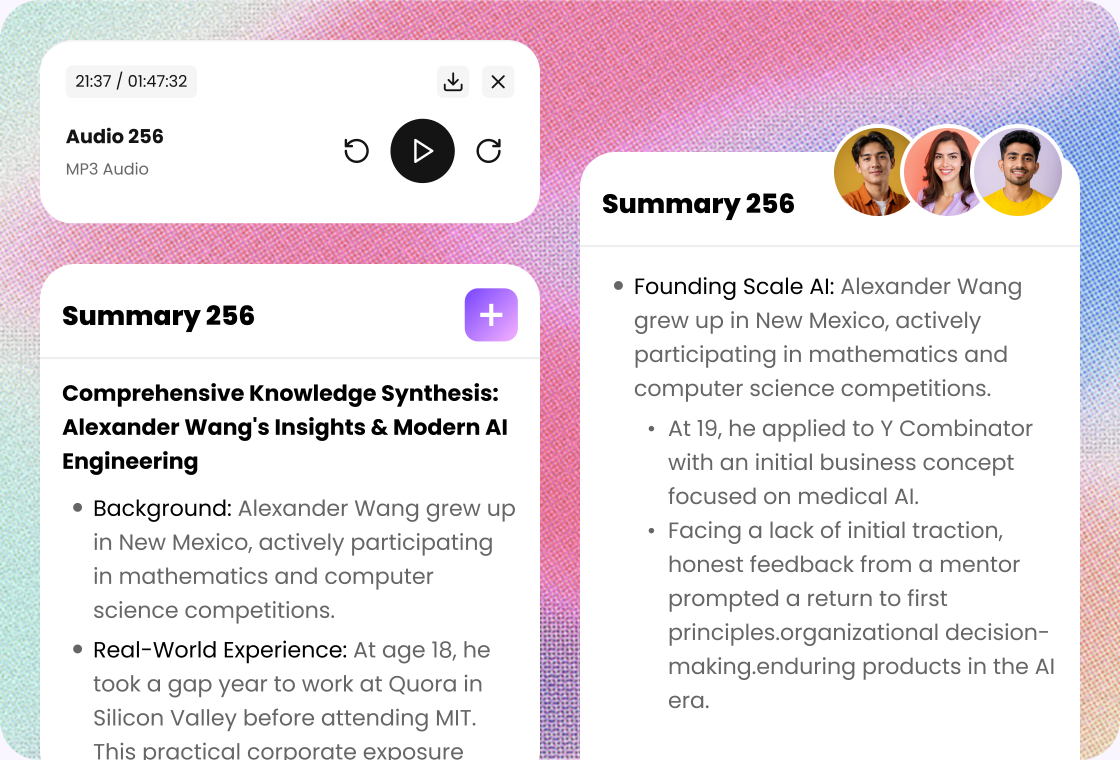
A transcript turns audio into searchable, reusable content. Review important quotes, find key information, create notes, repurpose conversations, and keep a written record of your recordings.

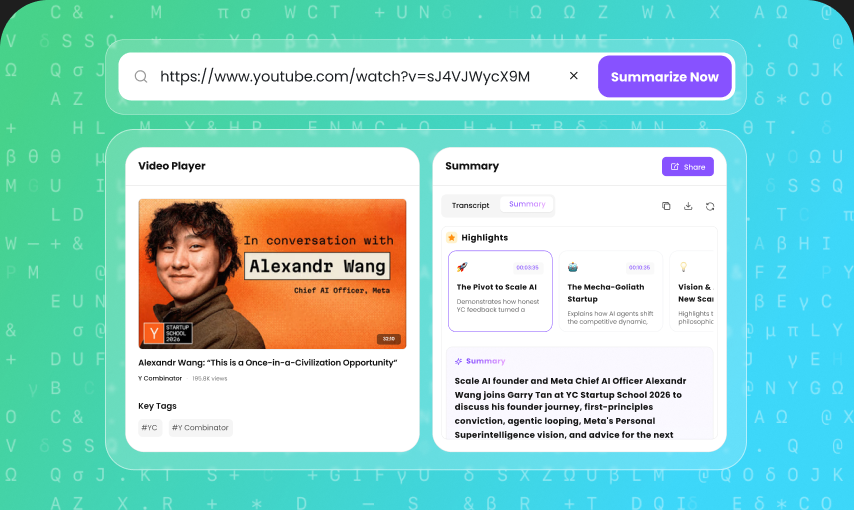
Upload a video file, paste a YouTube link, or add another public video URL.

Let AI transcribe the spoken content and organize it into readable text.

Review, edit, copy or export the transcript for your next workflow.
Turn lectures, class recordings, study sessions, and voice notes into searchable text. Review important information without repeatedly listening to the entire recording.
Transcribe interviews and recorded conversations faster. Search through your transcript, find useful quotes, and focus more time on research and writing.
Turn podcasts, interviews, videos, and voice recordings into text you can reuse. Create articles, social posts, captions, summaries, and other content from existing recordings.
Convert interviews, field recordings, and research sessions into searchable transcripts. Quickly locate key statements and organize information for analysis.
Transcribe meetings, presentations, customer calls, brainstorming sessions, and other business recordings. Keep important conversations documented and easier to revisit.
Create searchable transcripts from podcast episodes and interviews. Repurpose spoken content into show notes, articles, social media posts, and other content.

Journalism Student
“I use Lunote's audio-to-text tool to turn interview recordings into searchable transcripts for my reporting assignments. I can locate important statements, compare answers, and find the exact section I need without replaying the same audio again and again.”

Project Manager
“After long team calls, I use Lunote to convert the recording into editable text that I can review and organize. It gives me a clearer record of decisions, questions, and next steps, so I do not have to rely on scattered notes from different people.”

Podcast Producer
“Lunote turns each podcast episode into searchable text that I can reuse for show notes, captions, and posts. It saves me from transcribing everything manually and makes useful moments easier to find.”

Sales Representative
“I record voice memos after client visits and convert them into text with Lunote. Having notes makes it easier to capture requirements, organize follow-up questions, and prepare for the next conversation.”

Accessibility Coordinator
“Lunote converts recorded updates into readable text that people can review at their own pace. It gives our team a practical way to provide a written version alongside audio for clearer access to information.”
Quick tasks? We’ve got you covered. Use our free standalone tools to boost your daily productivity.
Yes. You can use Lunote to convert audio recordings into text without manually transcribing them. Upload a supported file and let AI generate your transcript.