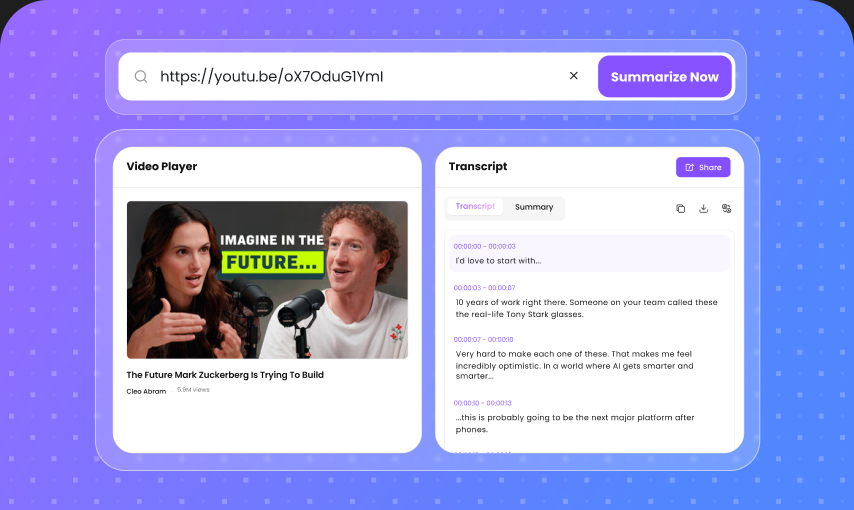
10+ File Formats Supported
Chat with the content you already use every day. Upload PDFs, Word documents, presentations, spreadsheets, text files, images, and more without switching between different tools.
Upload files or paste a link, then ask questions, summarize content, extract key information, and get instant AI-powered answers - all in one place.
Drop a file, or click to upload
1M+Questions Answered
370K+Hours Saved Monthly
4.9Average User Rating
Chat with the content you already use every day. Upload PDFs, Word documents, presentations, spreadsheets, text files, images, and more without switching between different tools.
Get answers based on the content you provide—not generic responses. Our AI understands the context of your files and uses the most relevant information to answer your questions.
Bring multiple files into the same conversation. Compare documents, connect information across sources, and find relationships without opening files one by one.
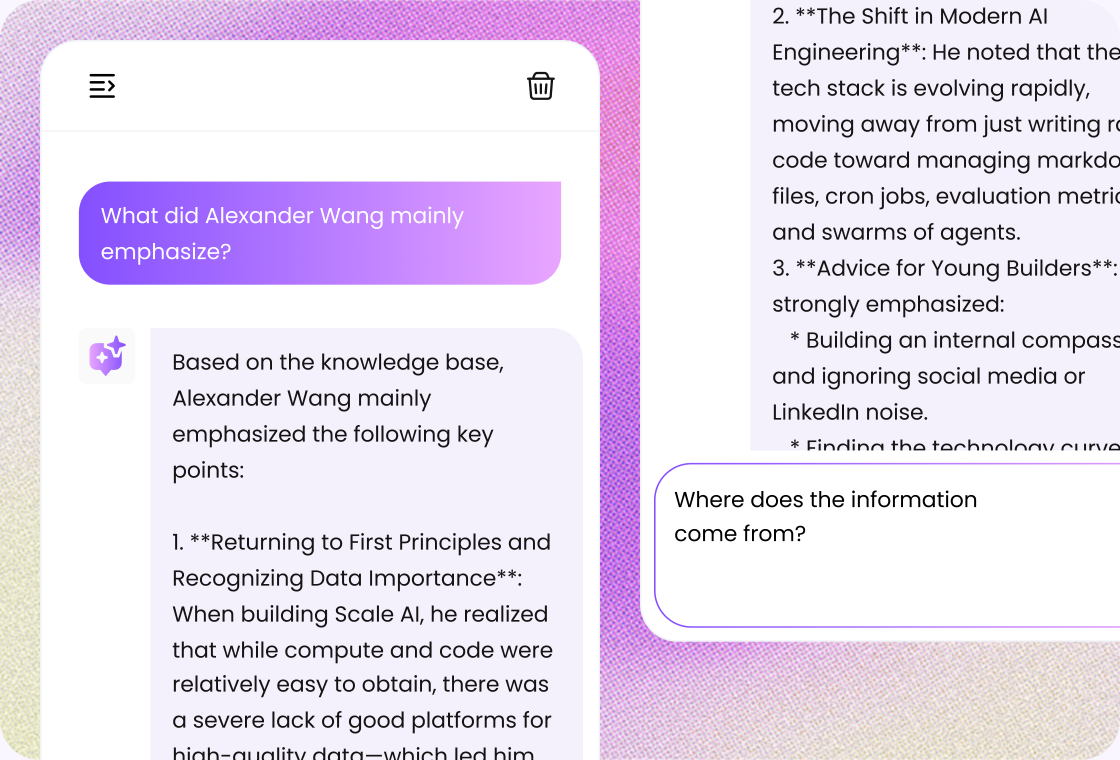
Know where your answers come from. AI-generated responses can be linked back to relevant content, helping you quickly verify information and explore the original source.
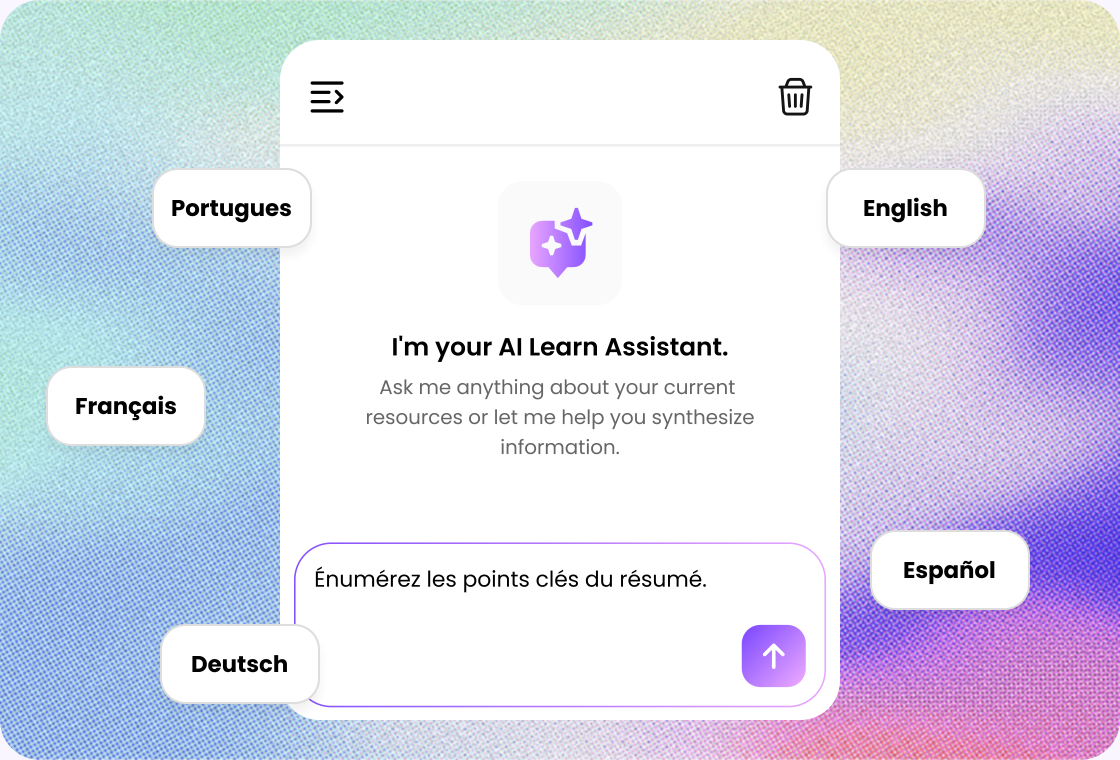
Ask questions and work with content in the language that fits your workflow. Read, analyze, summarize, and understand information across languages with ease.
From research and studying to business analysis and content creation, turn long documents and scattered information into useful answers in seconds.
Your files are handled with privacy in mind, so you can focus on getting useful insights from your content without unnecessary complexity.
Compare reports, find differences between documents, connect related information, or ask a single question across multiple sources. The AI keeps the conversation context in mind so you can move from one question to the next naturally.
Ask questions in your preferred language, understand content written in another language, and get clear answers that fit your workflow. Whether you're studying international research or working with global business documents, AI helps remove language barriers.
When source references are available, you can trace important answers back to the relevant document or content. This makes it easier to verify facts, review supporting information, and understand the context behind an answer.
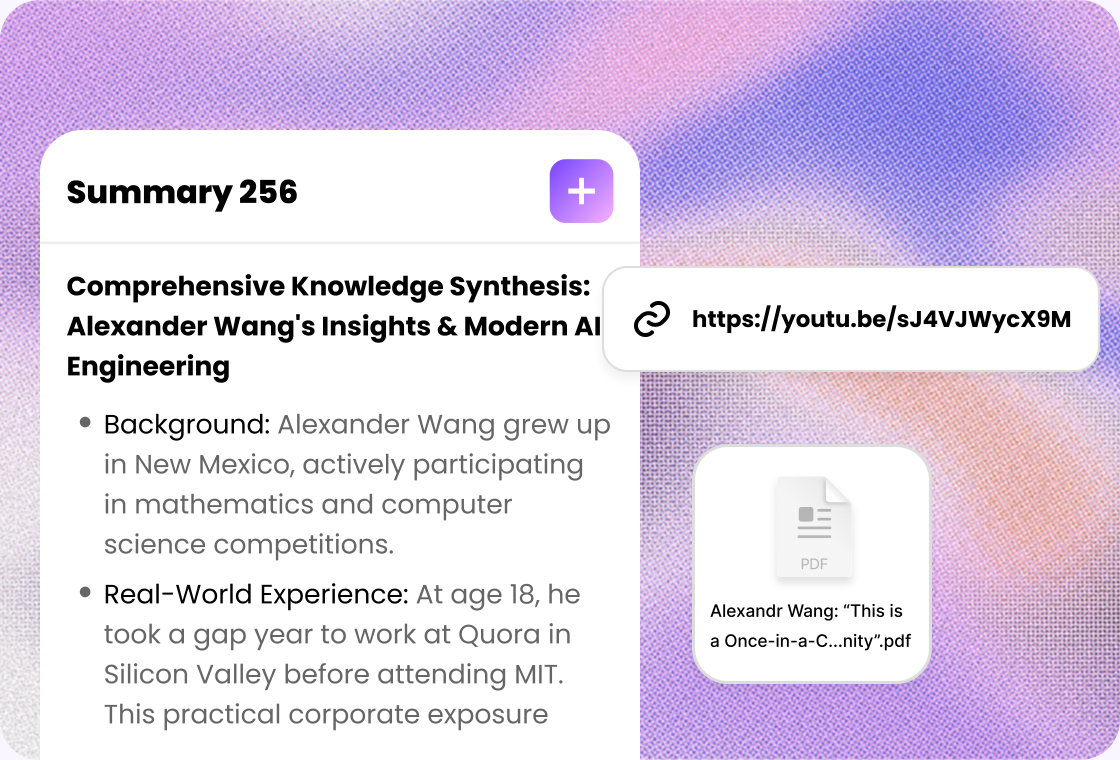
Whether you need to summarize a lengthy report, extract specific information, compare documents, explain complex concepts, or brainstorm ideas from your files, the AI helps turn your content into actionable insights.

Upload a file, paste a link, or add text you want to ask questions about.

Type a question and let AI answer based on the materials you provided.

Review the answer, ask follow-ups, or turn insights into notes and flashcards.
Ask better questions of your materials for study, research, writing, training, and reporting.
Understand textbooks, lecture notes, research papers, and study materials faster. Ask questions about difficult topics, summarize long readings, and turn your files into useful study resources.
Save time working with lesson plans, teaching materials, academic papers, and course documents. Quickly find information and create clearer explanations from existing content.
Analyze research papers, reports, datasets, and reference materials without manually searching through every page. Compare sources and identify important findings more efficiently.
Turn reports, interviews, research materials, and source documents into useful content ideas. Extract facts, discover key points, and speed up the research process.
Work smarter with business reports, presentations, proposals, contracts, manuals, and internal documents. Find information quickly and reduce time spent reading lengthy files.
Bring shared documents into one AI-powered workspace. Compare information, answer questions, and make it easier for team members to find important details across multiple sources.

Student Founder
“I use Lunote's AI Q&A feature to rehearse pitch competitions before presenting. It generates questions judges may ask about the problem, market, and business model, helping me spot weak answers and prepare clearer explanations before I step on stage.”

College Student
“Before a class presentation, I use Lunote to ask questions about my slides and challenge the way I explain each idea. The follow-up questions show me where the logic is unclear, so I can strengthen the argument and prepare more confident answers.”

Graduate Researcher
“I use Lunote to ask questions across research papers and explore how their arguments connect. The follow-up conversation helps me compare viewpoints, test my understanding, and identify gaps in my reading.”

Educator
“Lunote helps me turn course materials into questions that encourage students to explain their reasoning. I can build discussions around concepts and see where the class needs examples or clarification.”

Product Manager
“Before a stakeholder review, I use Lunote to question my product brief. It helps me prepare for concerns about user needs, priorities, tradeoffs, evidence, and the decisions behind the plan more clearly.”
Quick tasks? We’ve got you covered. Use our free standalone tools to boost your daily productivity.
Yes. You can upload a supported PDF and ask questions about its content. Depending on your plan, file size, usage limits, and available features may vary.